Model, viewer, and request
You generate the mesh from an image, rotate it in the viewer, and log the request with the STL model, your print preferences, and your address.
Custom 3D printing online
Start from a 3D model generated in Editasteic, enter the height, material, colour, and finish you want for the piece, and send the request. It is logged with your preferences for later review and a personalised quote. There is no automatic price, and sending the request involves no payment and starts no manufacturing.

The request brings together the model and your height, material, colour, and finish preferences, and is logged for later review and a personalised quote. It is not a payment or a confirmed order.
Start from the STL you already generated in Editasteic and open the print request from the same flow, without having to export the file to send it to this service.
The form collects the height in centimetres, the material (say whether you prefer PLA, resin, or need a recommendation), the colour mode, and the finish level. These are preferences logged with the request.
The request is logged with the model and your preferences for later review and a personalised quote. Editasteic calculates no price automatically and shows no rate.
When you send it, the model, the height, the material, the colour, the finish, the intended use, and your contact details are attached to the request for review. All in a single submission.
Generate the model in Editasteic from an image. The result is a mesh in STL format that you can rotate in the viewer.
Open the request from the viewer and enter the height in centimetres, the material (PLA, resin, or ask for a recommendation), the colour mode, and the finish level, plus the intended use and notes.
Add your contact details and address and send the request. It is logged with the model and all your preferences. Sending it involves no payment.
The request is logged for later review and to prepare a personalised quote. There is no automatic price in the app.
Editasteic generates the 3D model and logs your request. It is not a one-click service: no slicing, no mesh repair, no price calculation, and no automatic manufacturing confirmation.
You generate the mesh from an image, rotate it in the viewer, and log the request with the STL model, your print preferences, and your address.
The request is logged with the model and the preferences you entered for review and a personalised quote. The later manufacturing and delivery terms depend on that review.
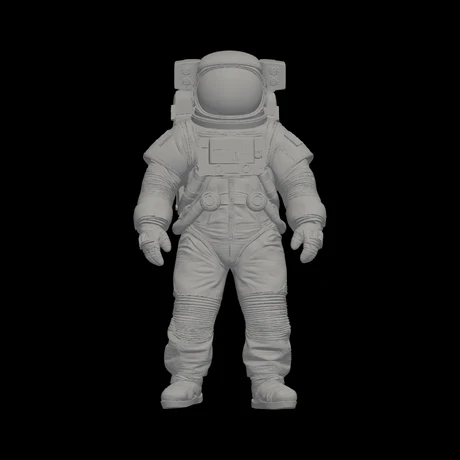
The available evidence is one real model generated in Editasteic. There is no physical piece to show: these are two views of the same STL mesh, the one attached to the request.
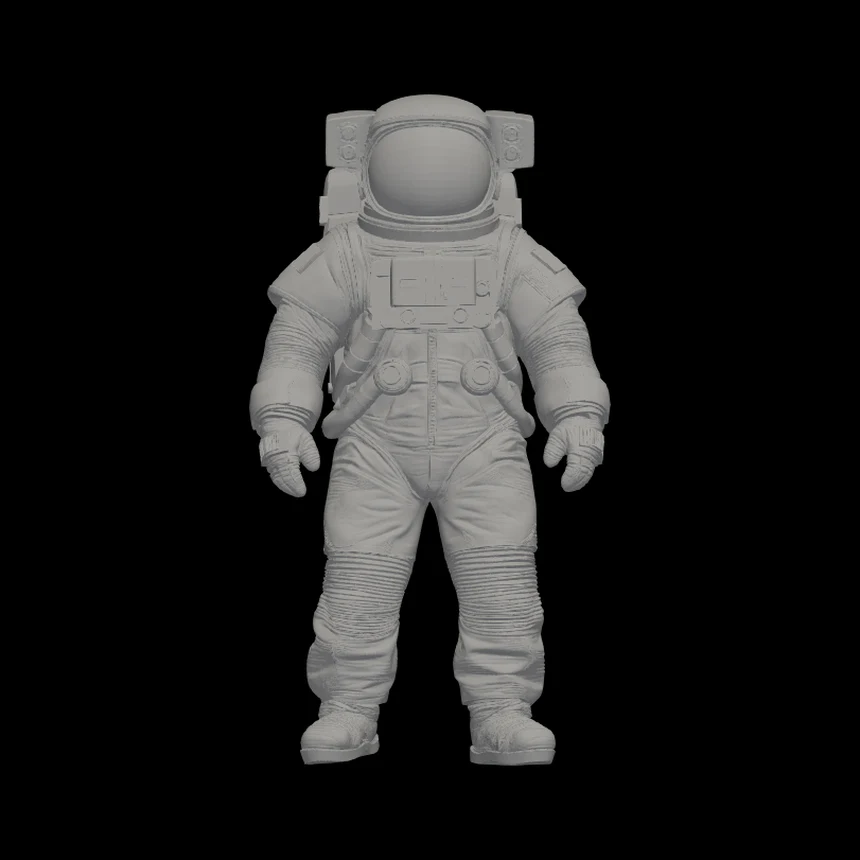
The generated astronaut STL, shown from the front, as it is logged with the request.
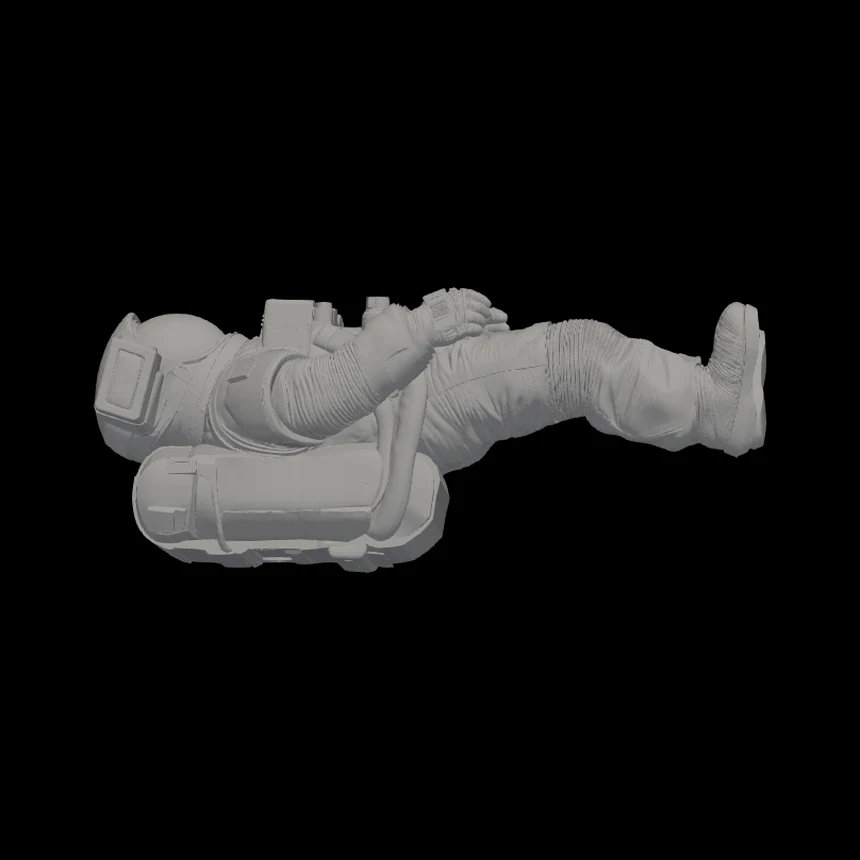
A rotated view confirms that what is logged is a three-dimensional mesh, not another flat image.
This real recording shows the model being generated and rotated in Editasteic. It is the mesh attached to the request, not a finished physical piece.
Decorative and personal objects · Gifts from a model of your own · Visual prototypes
Request a print of a model meant for a shelf, a mantel, or a keepsake.
Order a piece based on a model you have generated, as a gift.
See the form of an idea in physical shape. It implies no dimensional precision, engineering, or functional use: it is a visual reference.
You start from a 3D model in STL format generated in Editasteic. You enter how you want the piece (height, material, colour, finish, and use) and send the request. It is logged with the model and your preferences for later review and a personalised quote. Sending the request involves no payment and starts no manufacturing.
From the 3D model viewer in the app: open the request, fill in contact and address, enter the preferences for the piece, and send it. You need an account and a model generated in Editasteic.
Yes. That is the intended case: the STL logged with the request is the one Editasteic generated from your image. You do not need to export or prepare it in another tool to send the request.
Yes, within this flow. Your model is already in STL format and the print request is made online, from the browser. The STL that is logged is the one generated in Editasteic.
Not today. The request always starts from the model you generate in Editasteic. There is no public upload of external STL files.
The approximate height in centimetres; the material (say whether you prefer PLA, resin, or need a recommendation); the colour (one, several, or the colours of the original model); the finish level (basic, medium, or refined); the intended use; and notes. These are preferences logged with the request for review.
There is no automatic calculation. When you send the request, the model and your preferences (size, material, colour, finish, and address) are logged for review and to prepare a personalised quote. Editasteic shows no rate and no calculator.
No. There is no instant quote. Price is handled through a personalised quote after the model is reviewed, not as an on-the-spot figure.
The request is logged with the model and your preferences for later review and a quote. Editasteic does not confirm timelines, coverage, or delivery terms on its own: that is part of the later review.
No. Sending the request does not confirm manufacturing, does not start production, and involves no payment. It is a request for review and a quote.



Isolate the subject in an image before generating the 3D model.
Remove a background

Generate the model in Editasteic, enter how you want the piece, and send the request. It is logged for review and a quote. No automatic price and no payment at this step.
Request a 3D print