Editasteic

Real results, grouped by tool

Real results made with Editasteic

Every image below was produced by Editasteic. Browse them by capability, then open the tool that made the one you need.

Try Editasteic

AI photo editing

Cut-outs, resolution, object edits, and style changes, each shown as a real result.

A photo turned into a transparent cutout

Background removal on a studio photo of an astronaut. The desert backdrop is gone and the subject is exported as a transparent PNG.

See the Background Remover
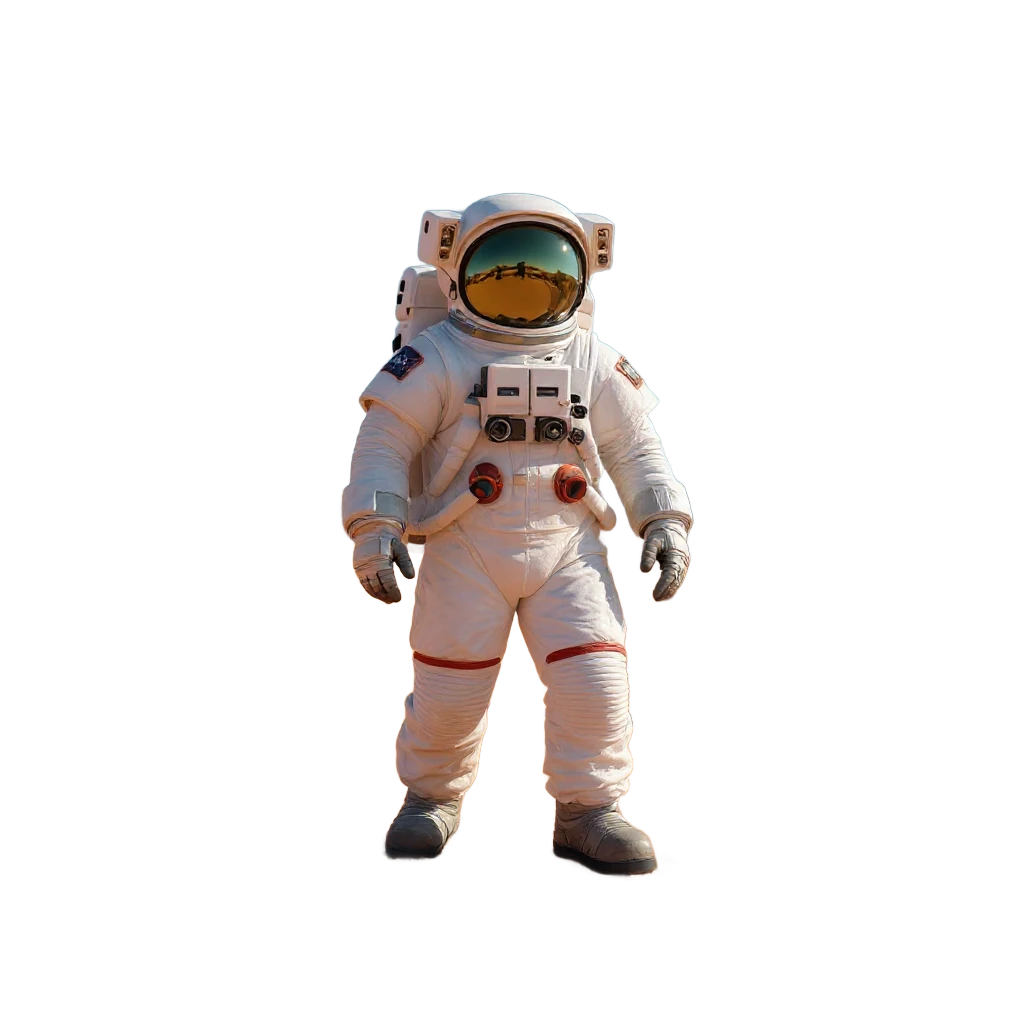
The same astronaut with the background removed, shown on a transparency checkerboard
Background removed
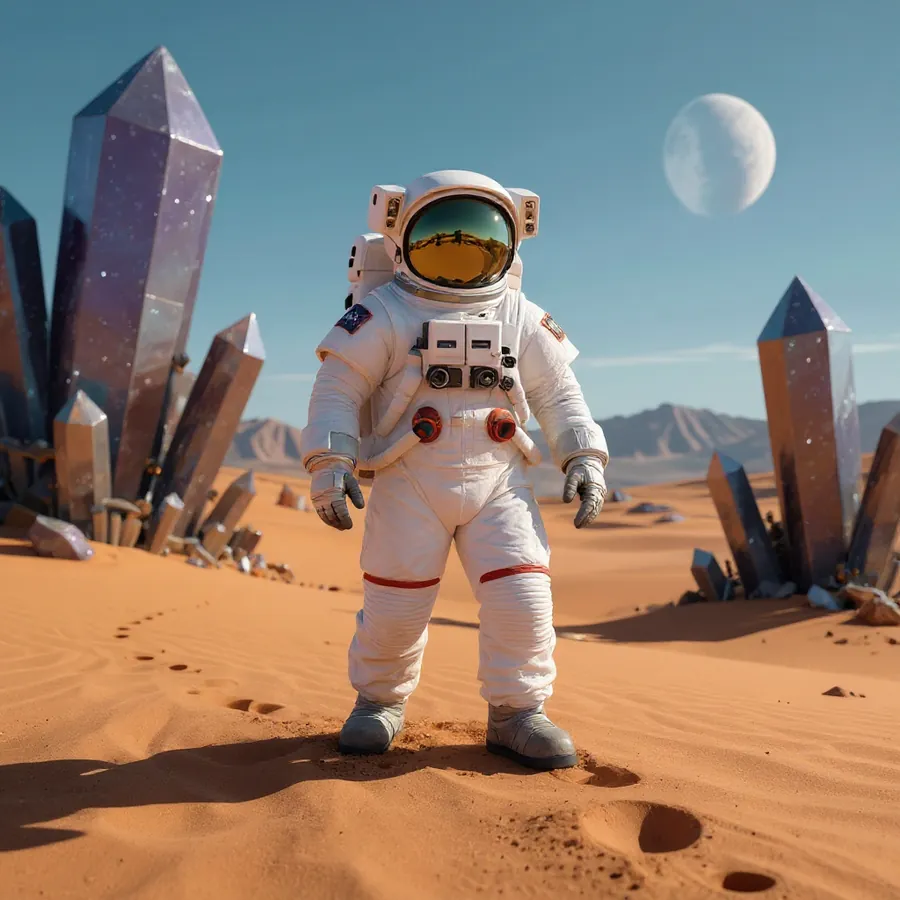
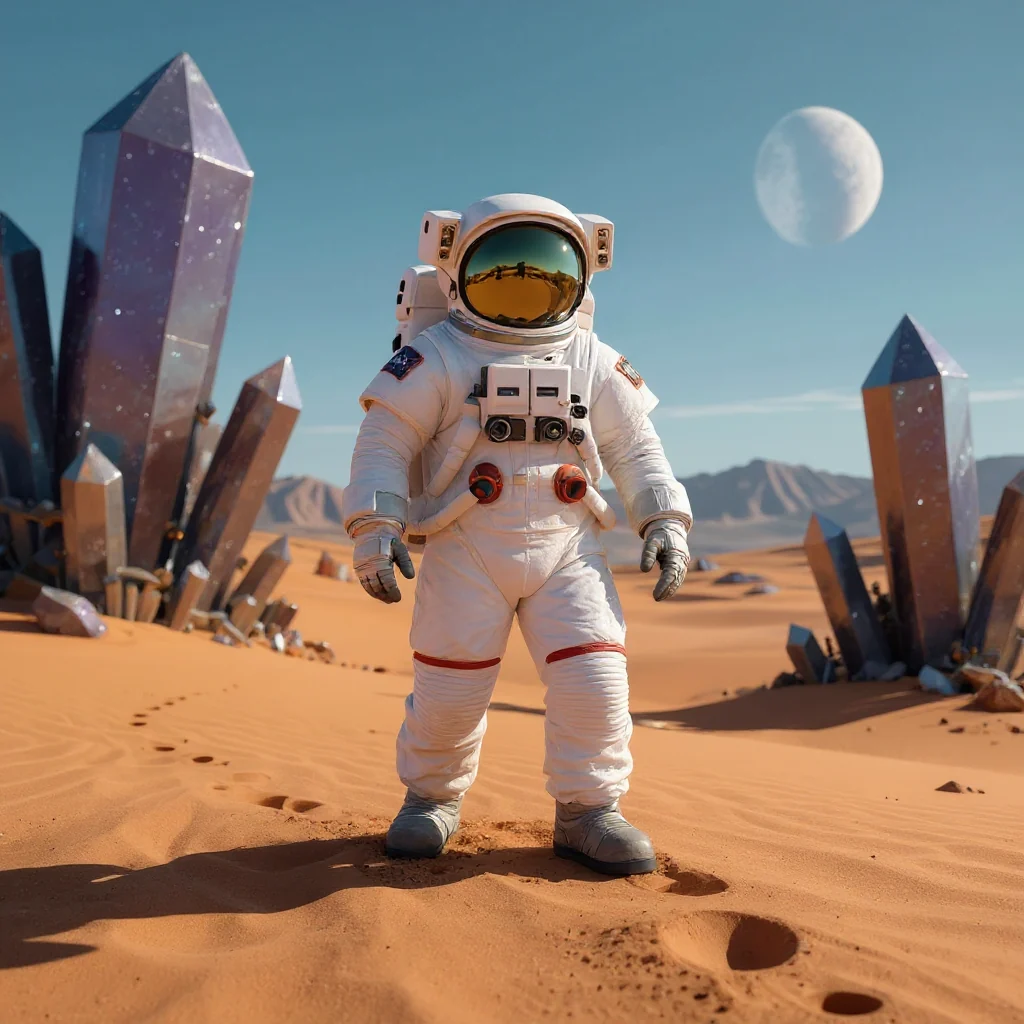
Astronaut photographed against its original desert background
Original

The checkerboard marks pixels that are genuinely transparent: a real PNG export, not a white fill.
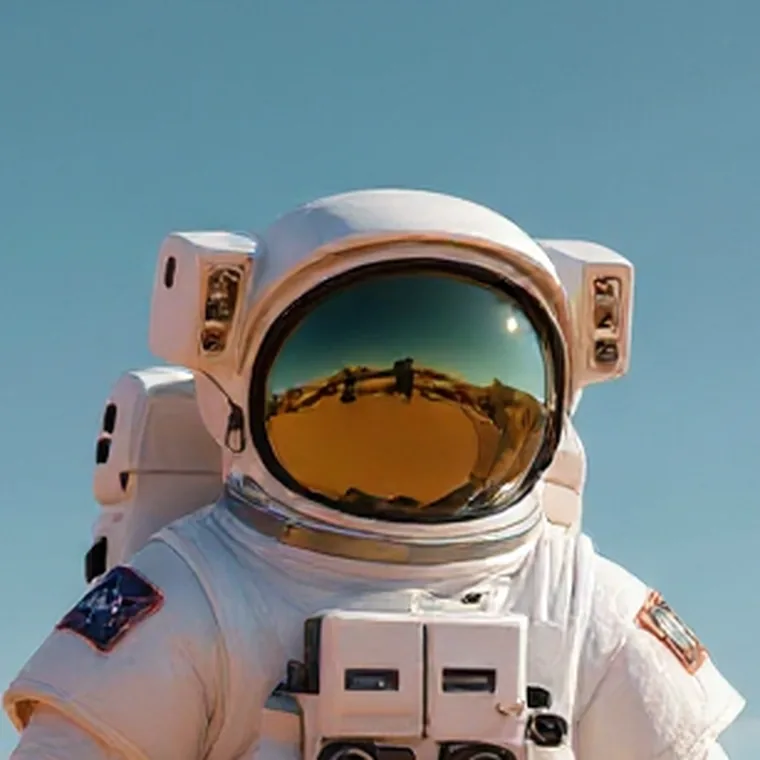
A small photo enlarged, with detail rebuilt

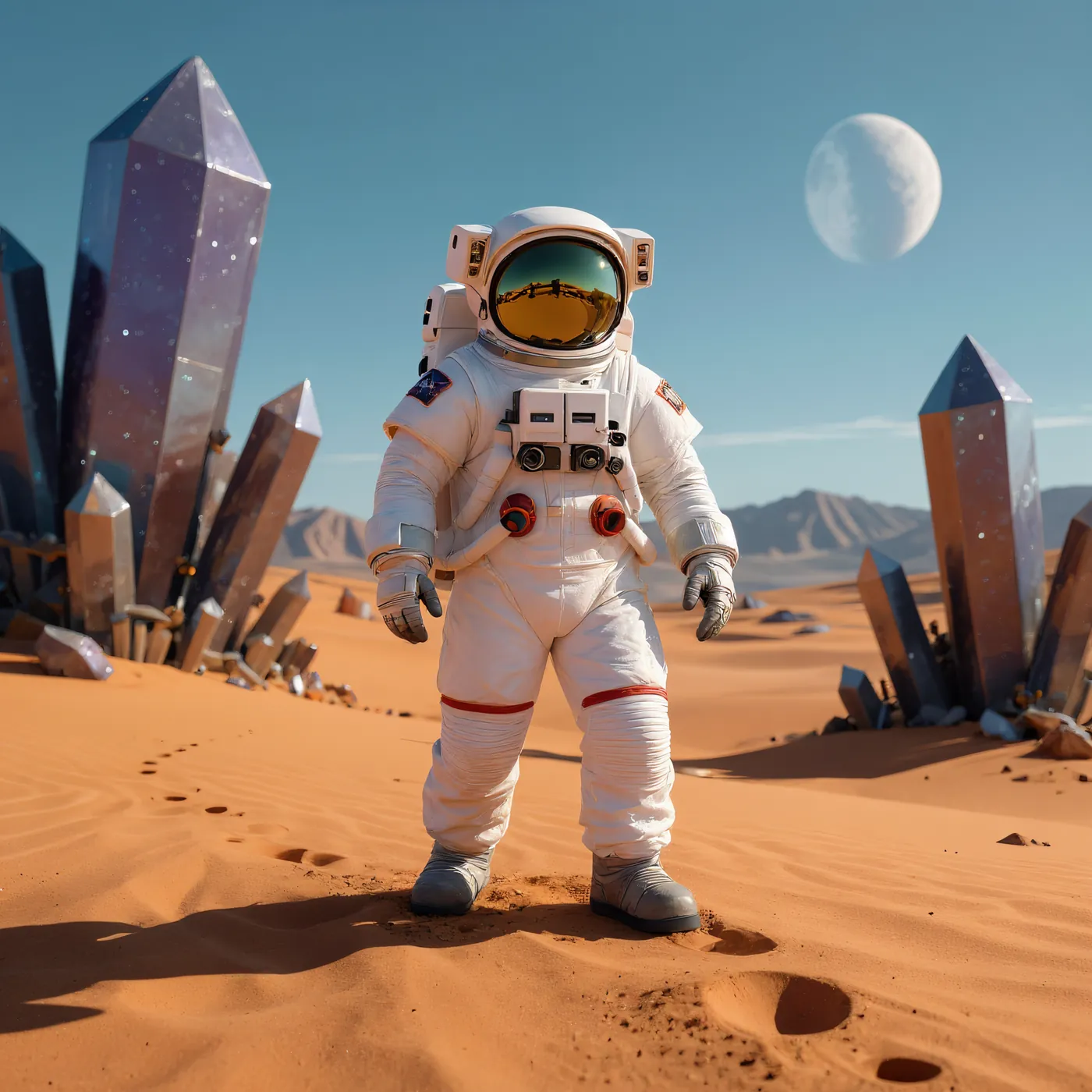
The astronaut photo upscaled to a larger size. Edges and texture are reconstructed as it scales, not just stretched.

See the Image Upscaler
The upscaled astronaut photo, sharp across the whole frame
Enhanced result
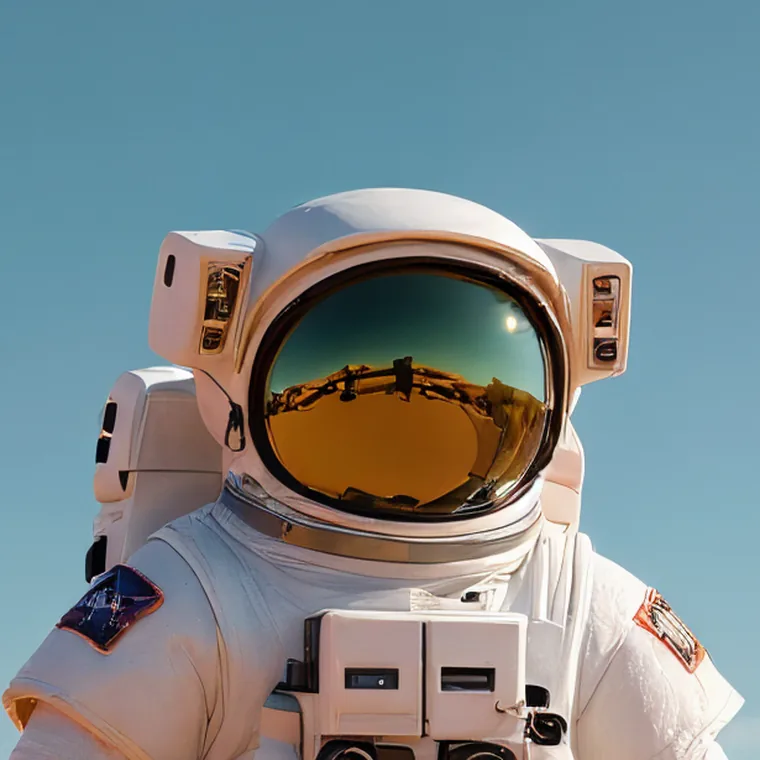
Close-up of the helmet visor in the original image, soft and low on detail
Original detail
The same visor close-up after upscaling, with a crisp reflection and clean panel edges
Upscaled detail

The full image and the magnified crop are two views of the same upscale, not two separate examples.

Object replacement inside a scene

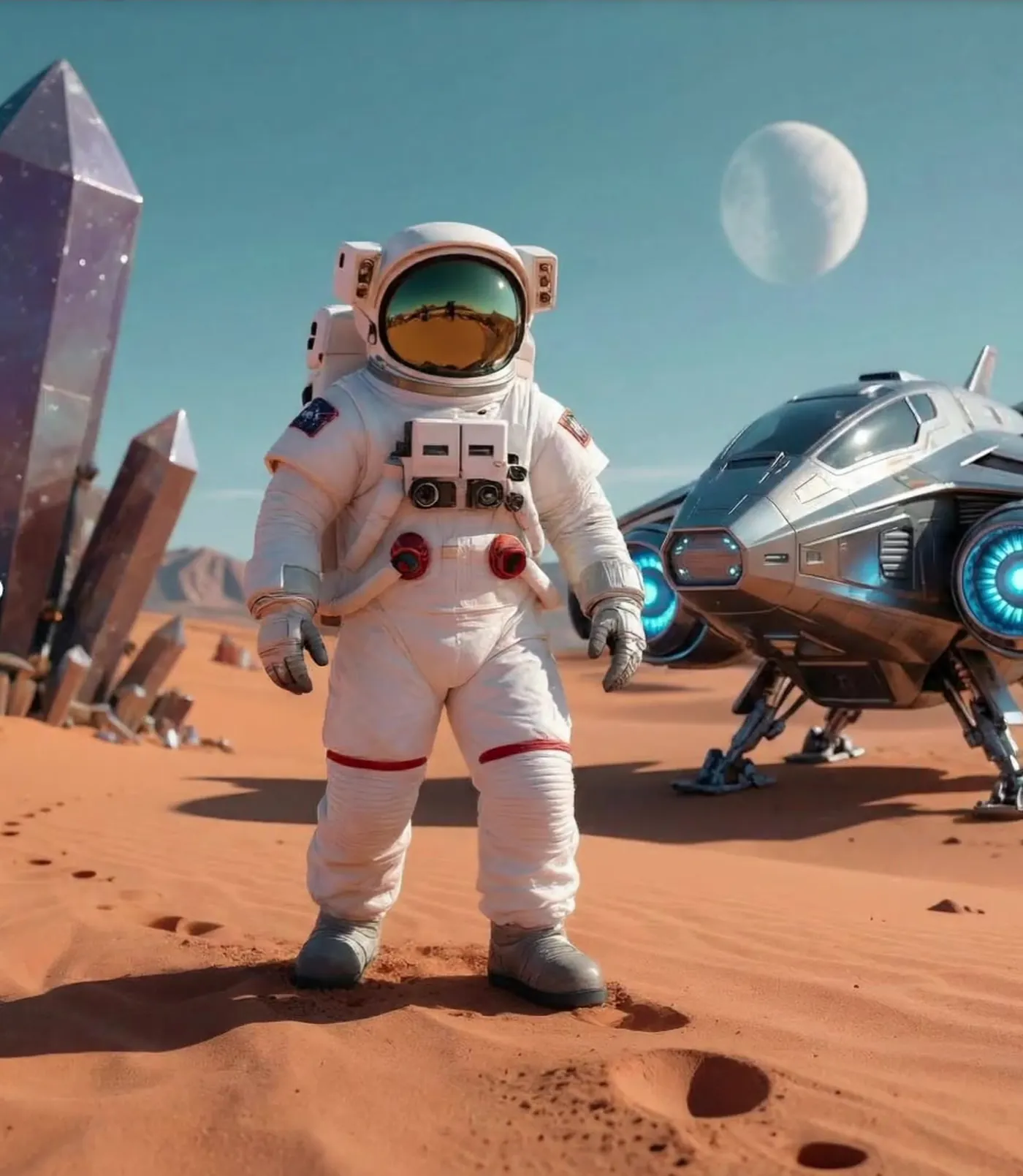
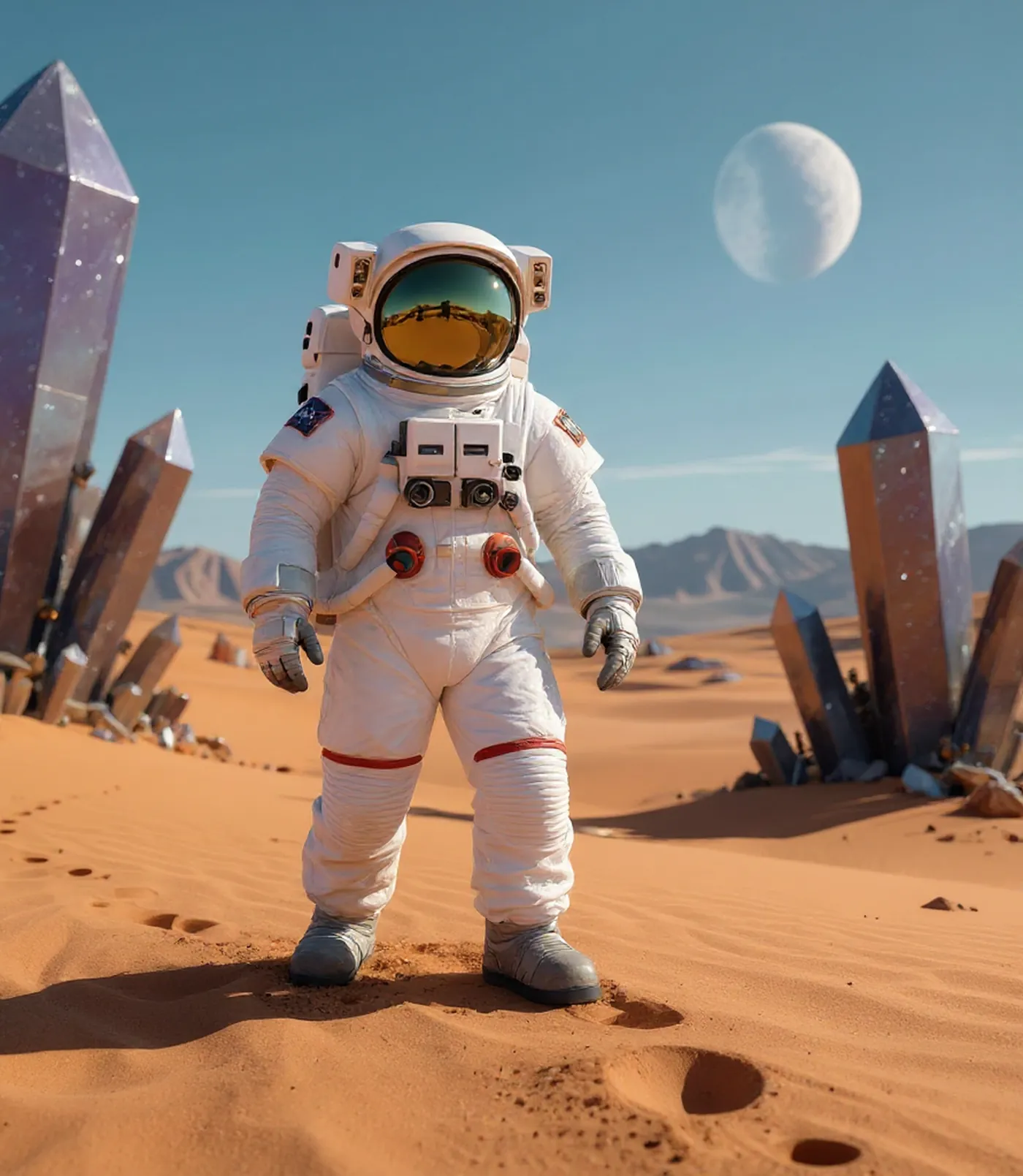
The crystals on the right were replaced with a ship, and the model generated new content around it. The tool can also remove objects from a description or a manual mask.

See Remove Objects from Photos
The same photo with the crystals replaced by a ship and new content generated around it
Edited
Desert photo with a cluster of crystals on the right of the frame
Original

This is a real replace edit (crystals → ship). It is shown as replacement, not as a removal demo.

Text in images

Translate text in an image as a new visual piece, not as text extracted into a separate field.

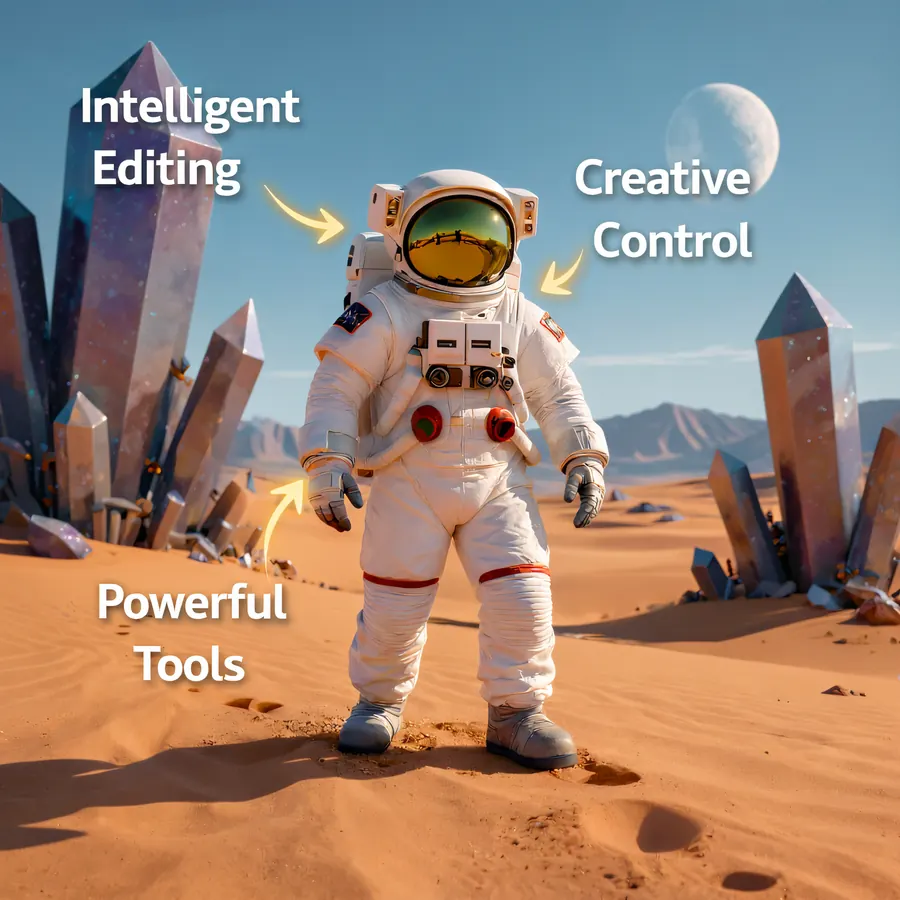
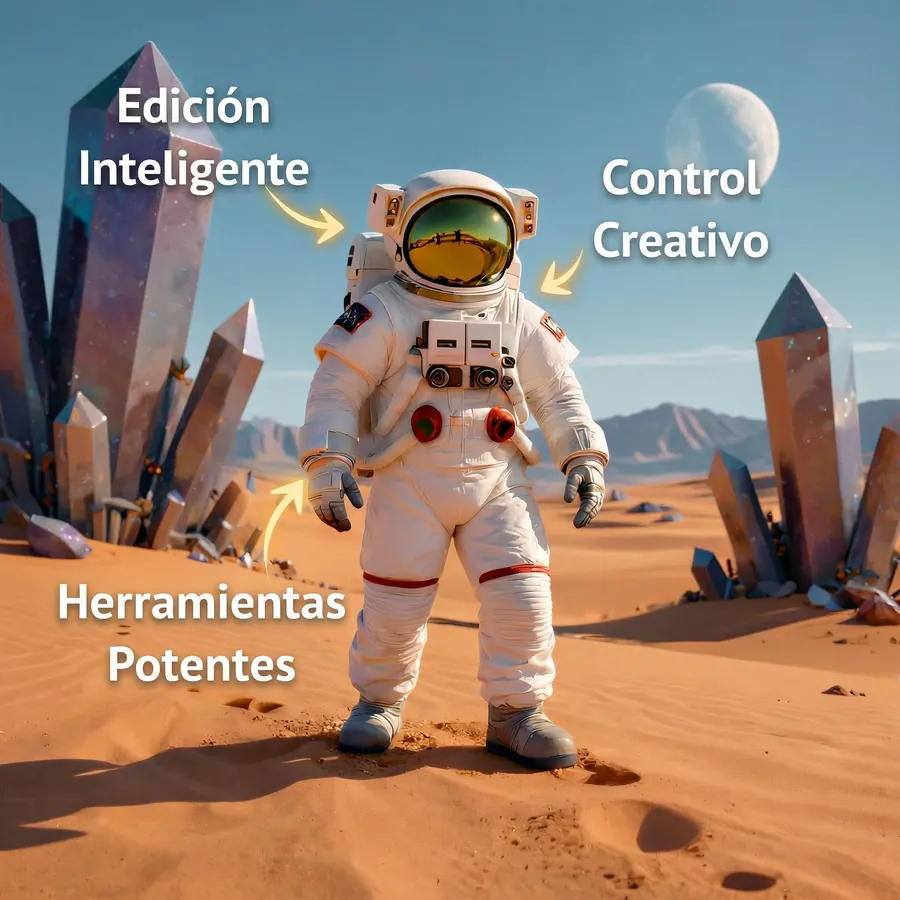
A graphic translated from English into Spanish

A real result generated from a graphic with English captions. The translation is integrated into a new image, and some details may vary.

See Translate an image
Original graphic with three English captions: Intelligent Editing, Creative Control, and Powerful Tools
English
Generated result with the three captions translated into Spanish
Spanish

One real English → Spanish pair. English and Spanish are two of the six available target languages.

Image to 3D Model

Generate a 3D mesh from an image and review the same result from different angles.

An image turned into a 3D mesh

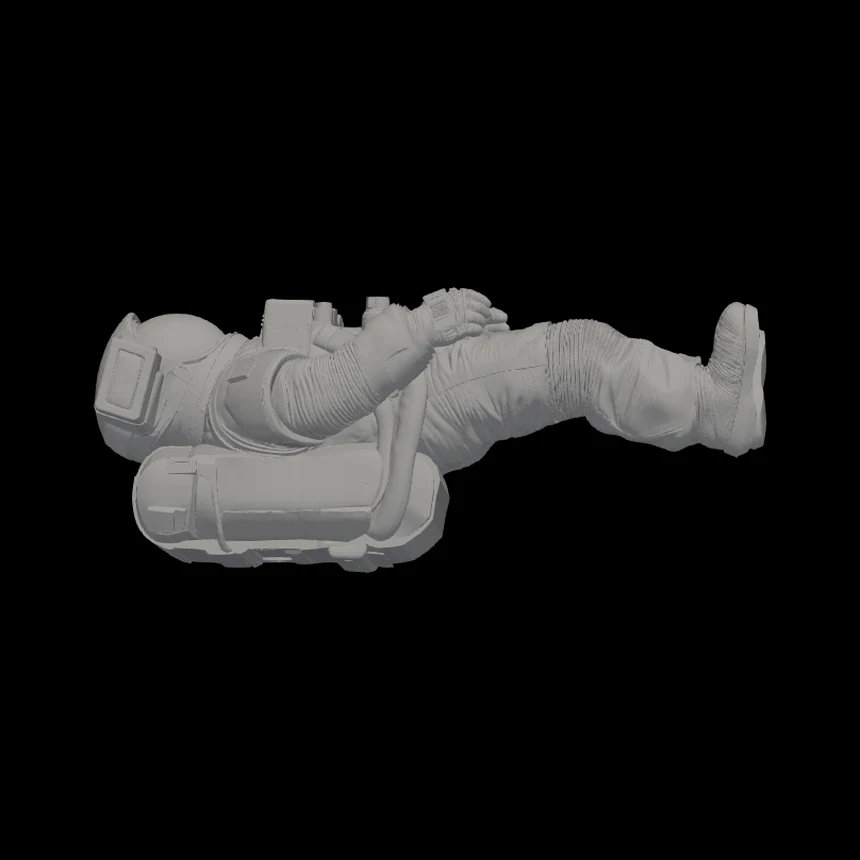
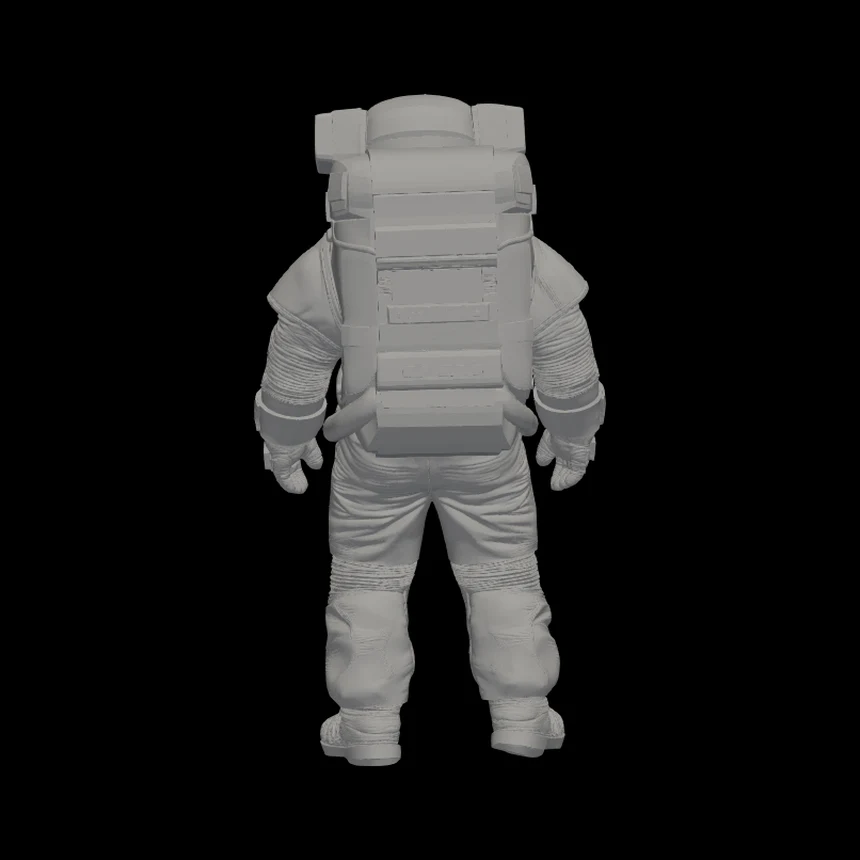
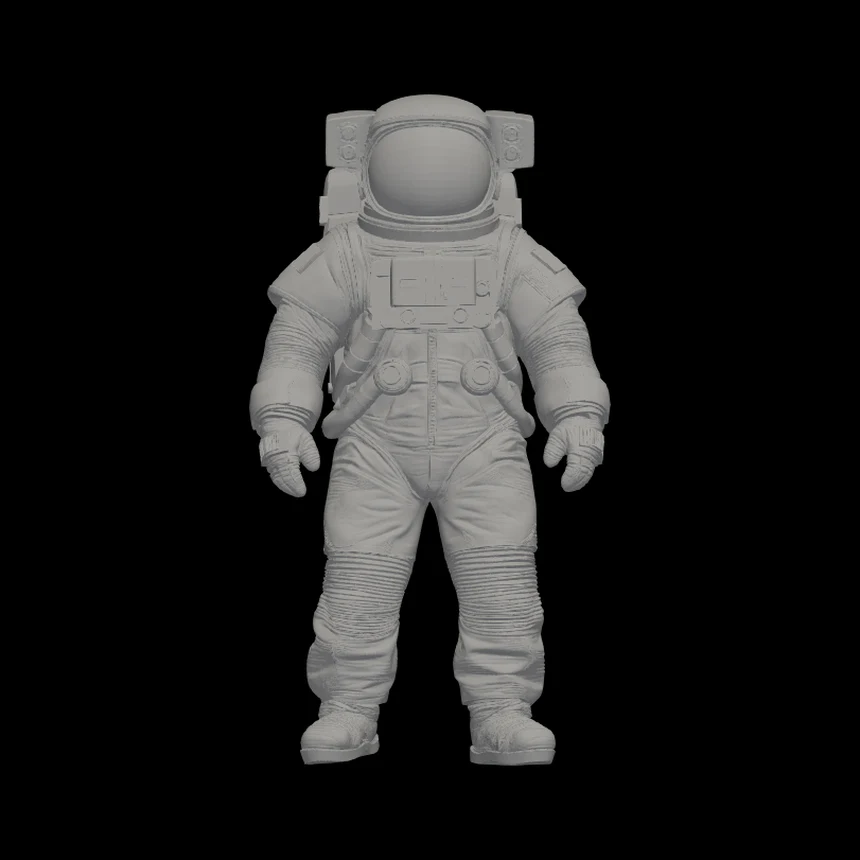
One astronaut image, generated into one geometry-only STL mesh and rotated in the Editasteic viewer. It downloads as a plain grey model.

See Image to 3D Model
Astronaut image used as the input reference
Original image
Front view of the generated grey astronaut STL mesh
Front view
The same generated astronaut mesh tipped on its side
Tilted view
Back view of the same generated astronaut mesh
Back view

One generated STL, shown from three angles in the viewer. The same result, not three generations.

Custom 3D printing is a separate request logged for later review and a quote. No physical print is shown here because none exists yet, only the real STL the request is logged with. See Custom 3D Printing

Frequently asked questions

Are these real results?

Yes. Every example was produced by Editasteic itself. Nothing here is a mockup, a CSS filter, or an image edited in another tool.

Can I get the same results?

You can open the same tool and choose the same preset, but generative transformations may produce different results with each photo or repeat.

Make your own

Open Editasteic, sign in, and run any of these tools on your own image.

Try Editasteic