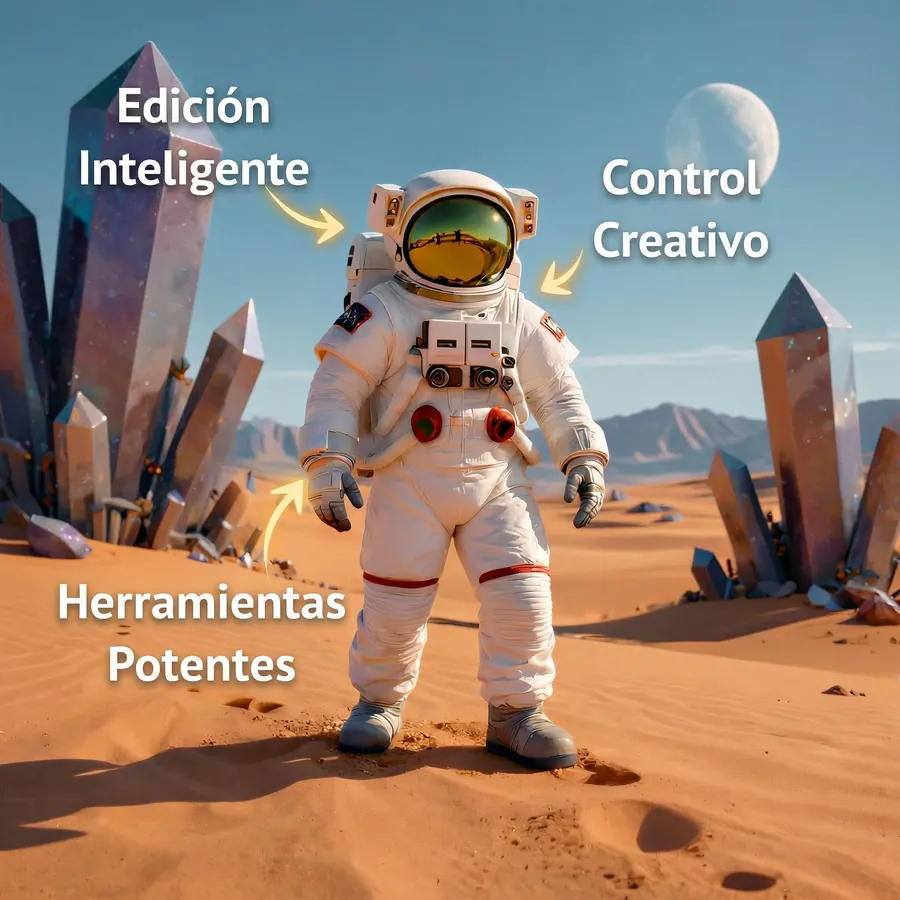
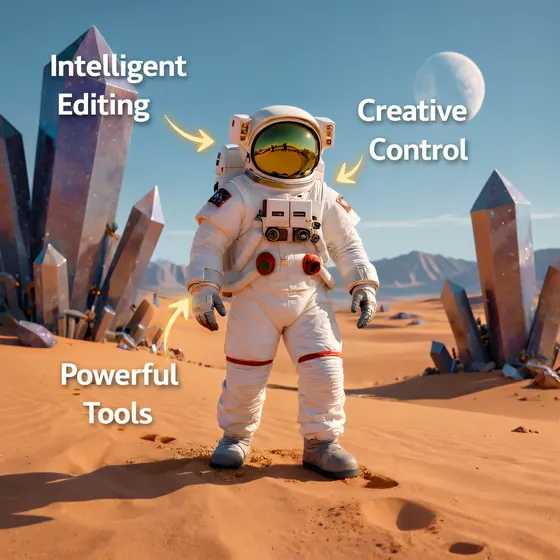
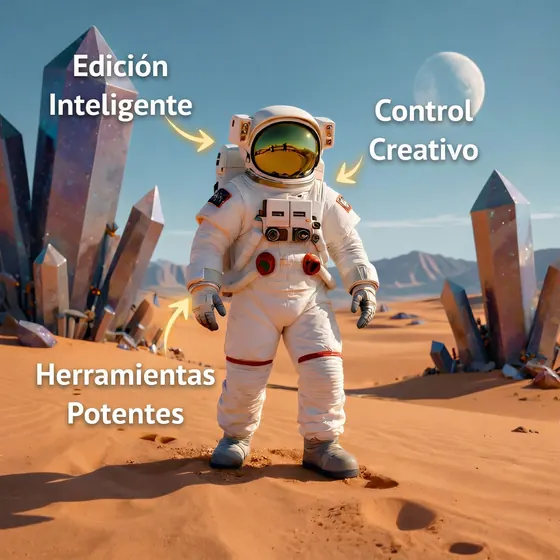
The full graphic, translated into Spanish
A full result generated from a graphic with English captions.
Translate images online
Upload an image or photo with text, choose English, Spanish, French, German, Portuguese, or Italian, and download a new PNG image with the translation integrated visually.
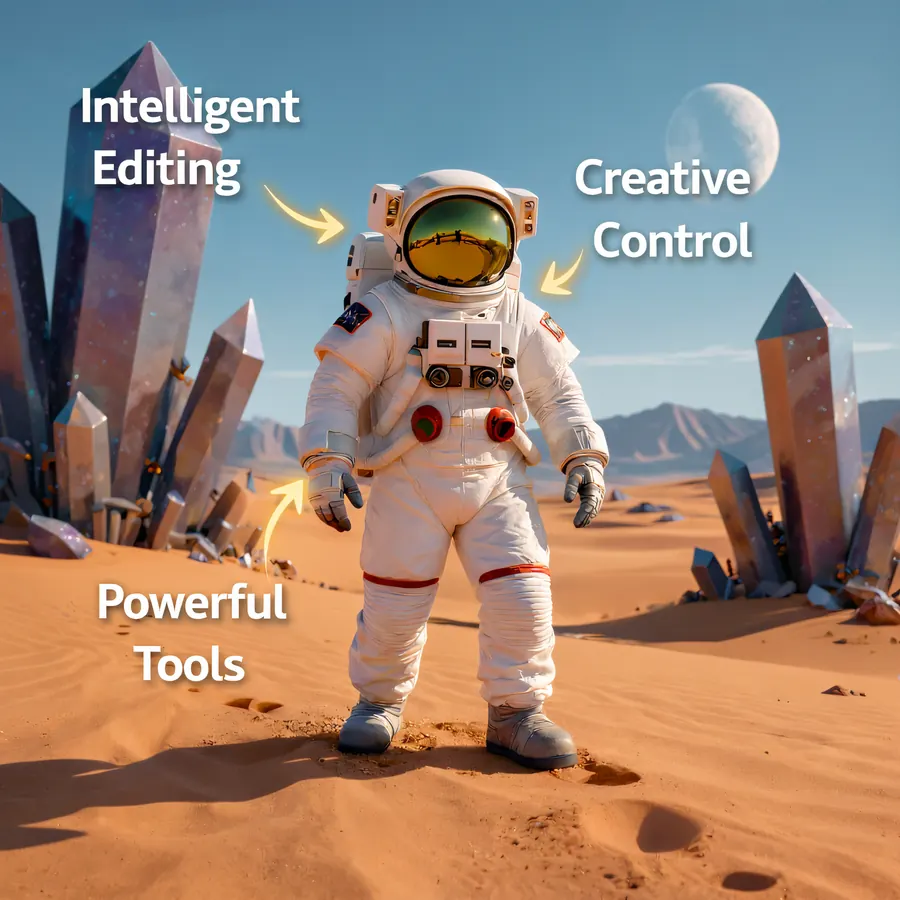
A real Editasteic result from English to Spanish. It generates a new image with translated captions integrated visually; on other images, the design and some details may vary.
Editasteic generates another version of your image with translated text inside the composition. You do not get a separate list of phrases to copy and paste.
Choose English, Spanish, French, German, Portuguese, or Italian. Select the language you need before generating the result.
Use it with simple posters, memes, social posts, visual creatives, signs, simple graphics, or photos with clearly visible text.
When it finishes, download the result as a PNG. The tool tries to keep the overall look, but design, typography, or some details may vary with the image and text.
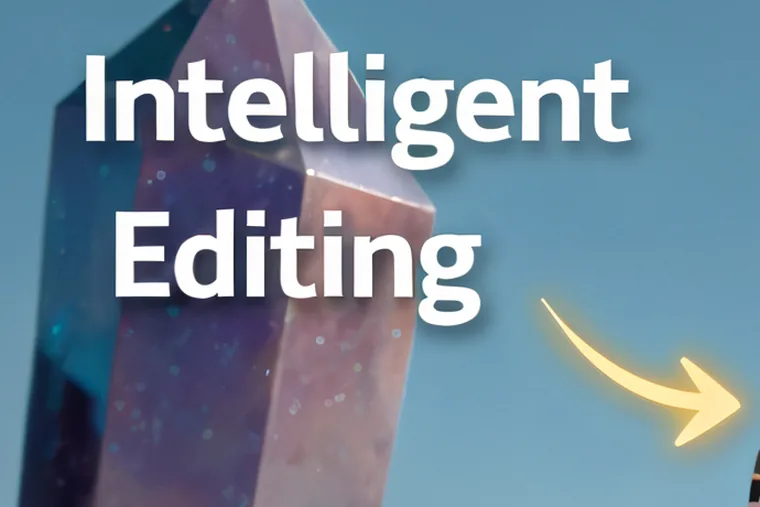
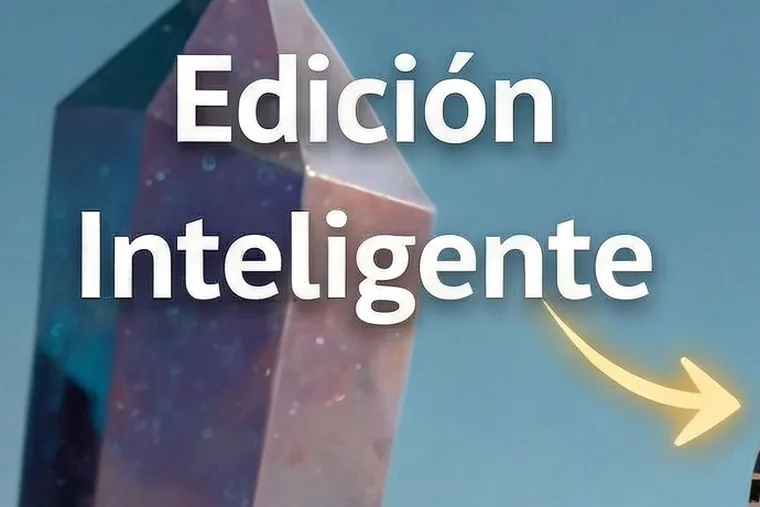
One real result from English to Spanish, shown as a full image and a crop. Both belong to the same translated image generated by Editasteic.
A full result generated from a graphic with English captions.
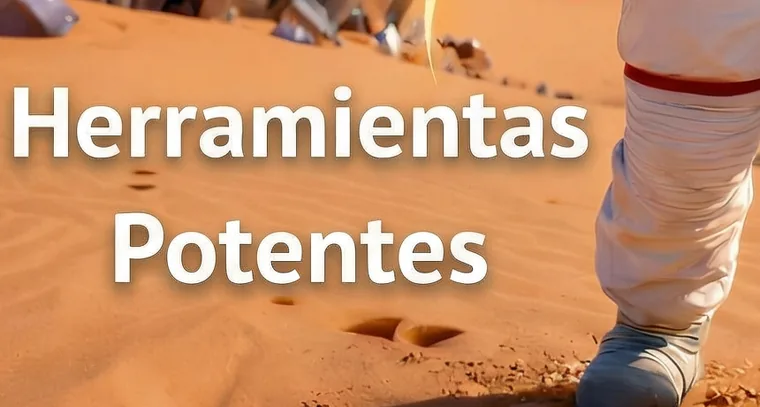
A crop of “Powerful Tools” translated as “Herramientas Potentes” in the generated result. It does not guarantee how other text or designs will render.
Sign in and add an image or photo with visible text.
Open the translation tool and choose English, Spanish, French, German, Portuguese, or Italian.
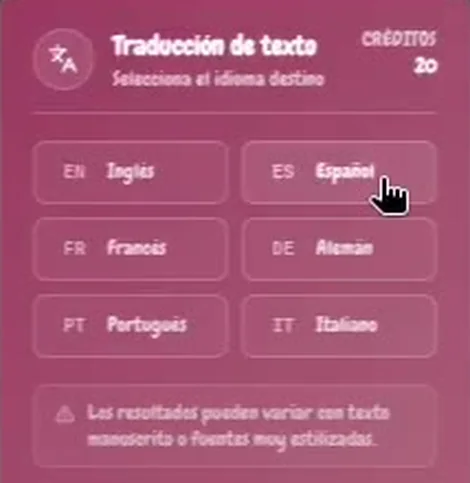
Editasteic generates a new image with the translation integrated. Review it and download it as a PNG. Each translation costs 20 credits.
A real Editasteic recording: a graphic with text is loaded, Spanish is selected as the target, and a new image is generated.
Simple posters and signs · Memes and social posts · Simple creatives and promotions · Photos and graphics with visible text
Create another version of a poster, label, or sign with text translated into the language you choose.
Adapt an image with visible text to share it in another language.
Generate a translated version of a visual ad or promotional graphic when the design is not too complex.
Translate a photo with a sign or a simple graphic. Results vary with text size and image complexity.
Sign in, upload an image with visible text, choose a target language, and generate the result. Editasteic creates another image with the translation integrated, which you download as a PNG.
The tool interprets visible text as part of the image and generates a new version in the language you choose. You do not need to copy the text into another field first.
Yes. Upload the photo, select Spanish as the target language, and generate a new version with translated text.
Yes. That is the flow shown in this page’s example: an image with English captions is generated again with Spanish captions.
You can currently choose English, Spanish, French, German, Portuguese, or Italian as the target language.
The tool tries to keep the overall look, but the result is a new image. Design, typography, background, composition, or other details may vary with the text and image complexity.
Yes, especially when they have clearly visible text and a simple composition. Small, handwritten, heavily stylized, or complex designs can vary more.
Not as a separate result. It does not provide an editable OCR field; it generates a new image with the translation integrated visually.
Yes, you need an account. Each translation costs 20 credits. New accounts include 50 credits with no card required, enough for two complete translations with 10 credits left.
The result downloads as a PNG.



Generate another version of the graphic in a different style; the text and other details may change too.
Change the style

Upload an image with text, choose one of the six target languages, and download a new PNG version.
Translate an image