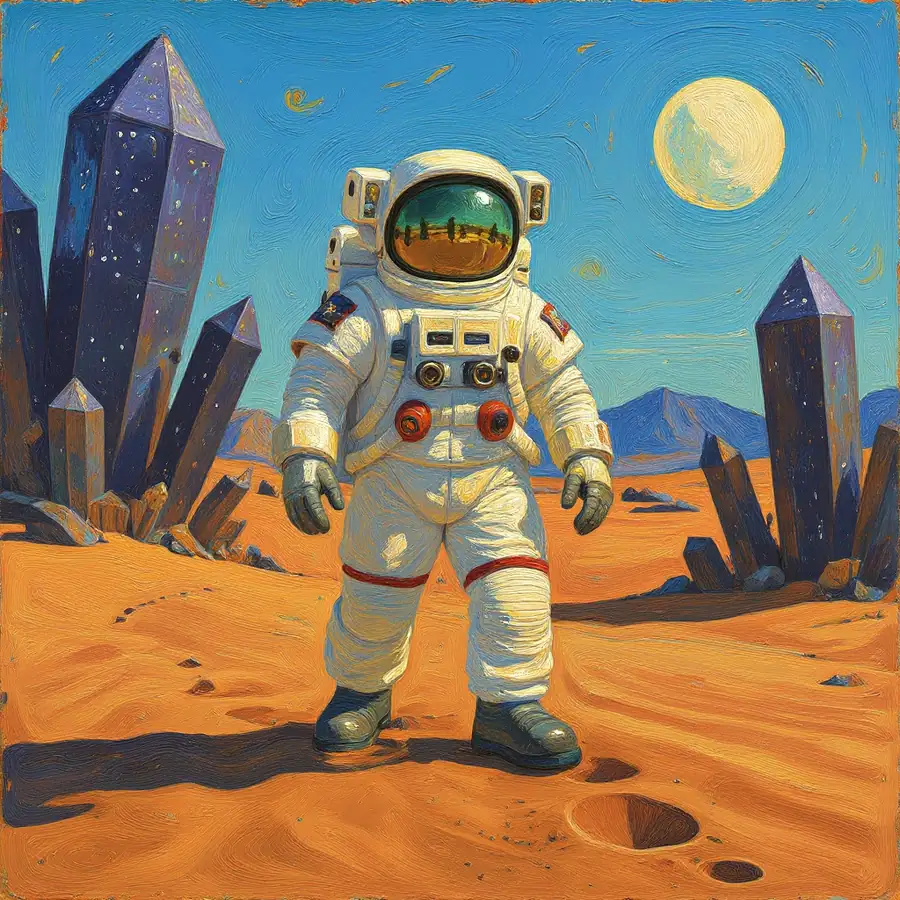
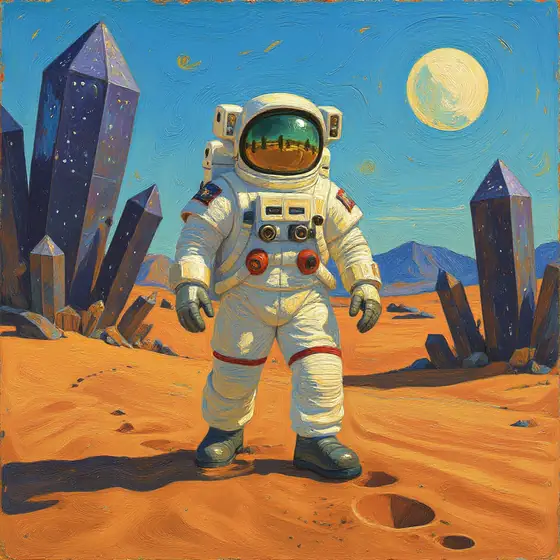
Oil Painting, full image
The complete new version generated with the Oil Painting preset, using the original photo as a reference.
Change style online
Turn your photo into a drawing or sketch, an oil painting, a comic, or another visual style. Choose one of 11 presets or describe the look you want in Custom. The AI uses the original image as a reference to generate a new version as a PNG.
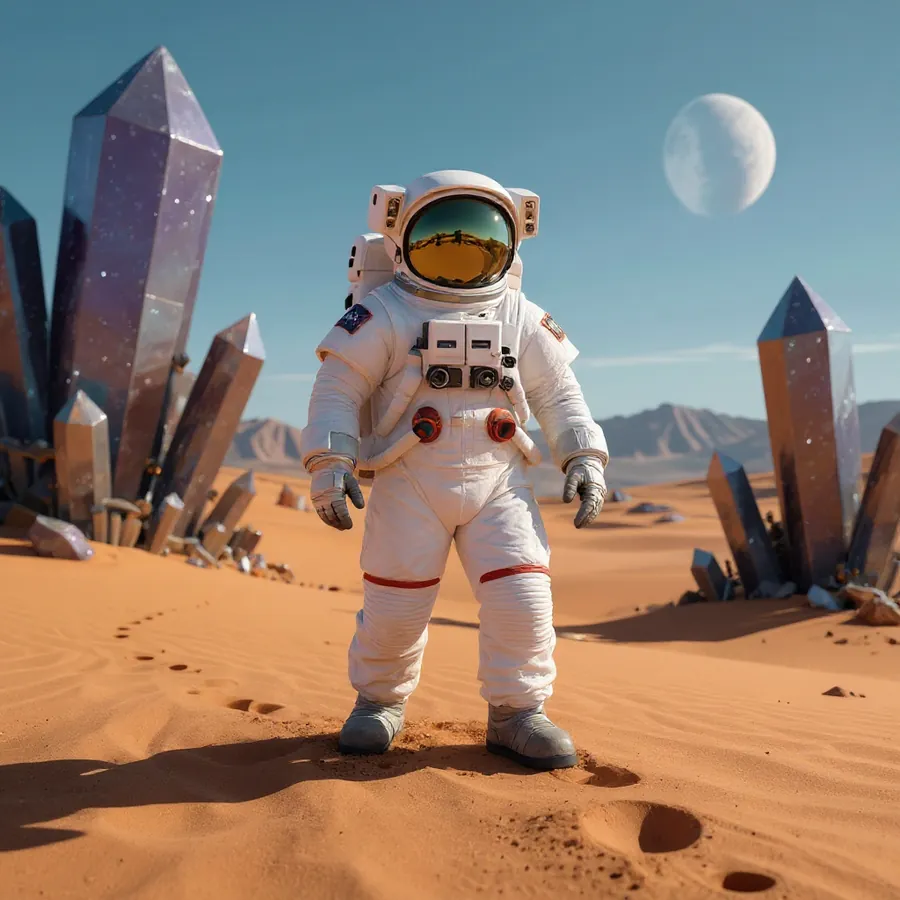
A real Editasteic result generated with the Oil Painting preset. The AI uses the original photo as a reference to create another version; some details in the scene may vary.
Turn a photo into a drawing or sketch, give it an oil-painting finish, or generate a comic-style version. These are three of the available preset styles.
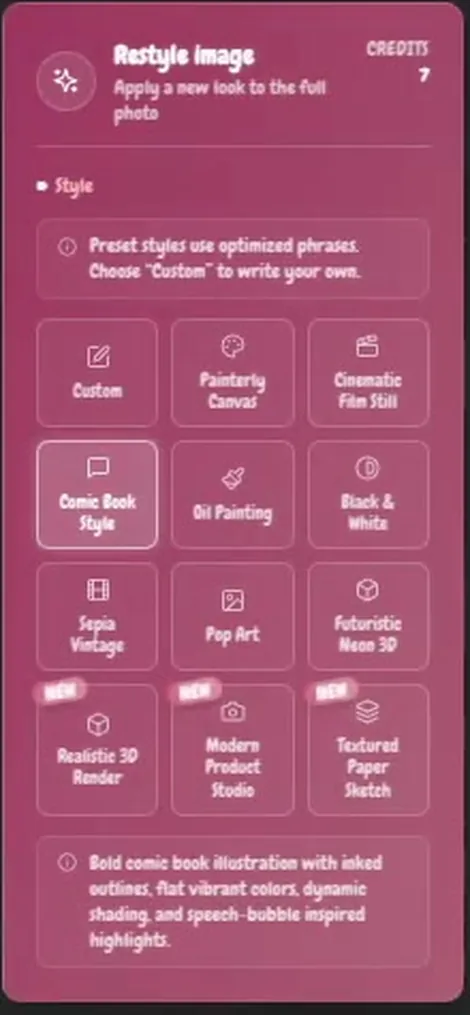
Choose Painterly Canvas, Cinematic Film Still, Comic Book Style, Oil Painting, Black & White, Sepia Vintage, Pop Art, Futuristic Neon 3D, Realistic 3D Render, Modern Product Studio, or Textured Paper Sketch.
Can't find the style you want? Select Custom and describe it in your own words. It is separate from the 11 presets.
Each transformation generates a new image using the original as a reference. The face, background, composition, or other details may vary; the source photo stays in your history for comparison.
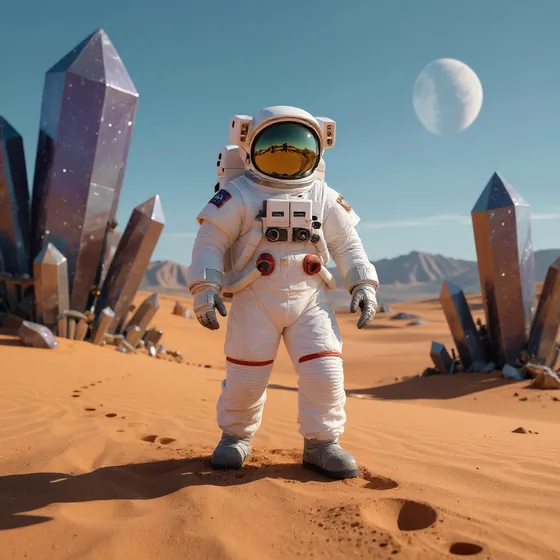
Compare a detail from the original photo with two real Editasteic styles: Oil Painting and Comic Book Style.
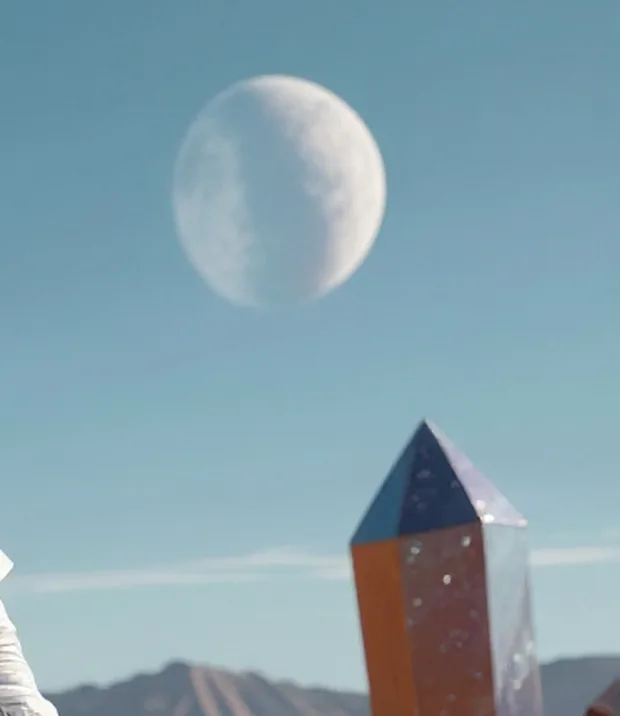
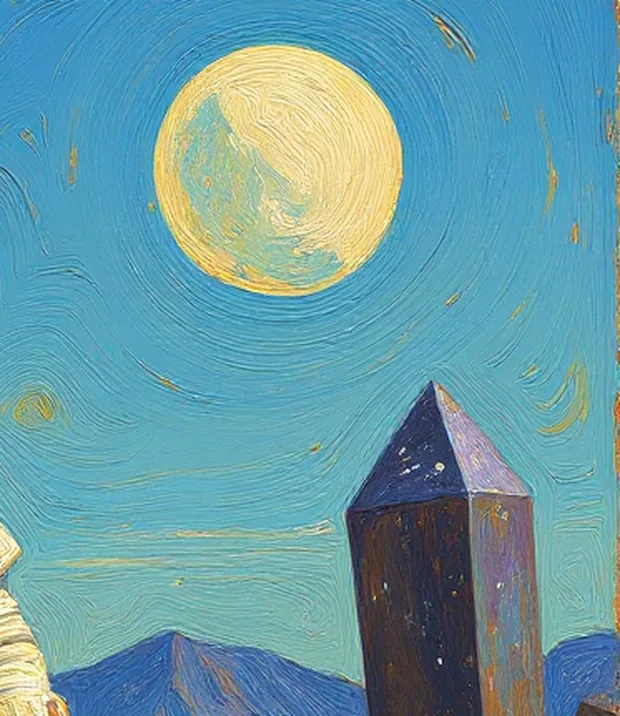
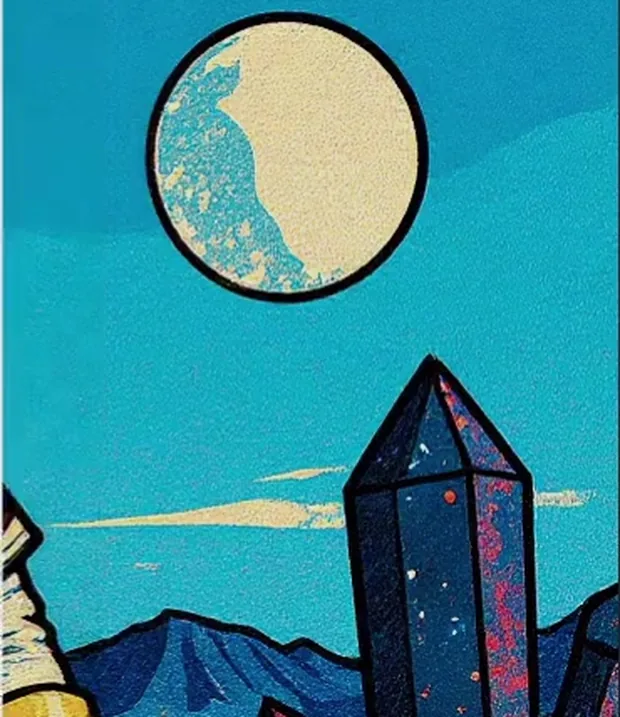
All three images are detail crops, not three full results. Oil Painting also has a verified full-image result; Comic Book Style is shown here only as a crop.
Real results generated from the same photo. Oil Painting is shown as a full frame; Comic Book Style only as a detail crop.
The complete new version generated with the Oil Painting preset, using the original photo as a reference.
A crop from the comic-style result, with inked outlines and flat colour. It does not show the full image.
Open the tool, sign in, and add the image whose style you want to change from your device.
Pick one of 11 preset styles. If none fits, select Custom and describe the style you want.
Editasteic generates a new version using the original photo as a reference. Compare it and download the result as a PNG. Each operation costs 7 credits.
A real Editasteic recording: choosing the Comic Book Style preset and generating a new version of the photo.
Turn a photo into a drawing or sketch · Turn a photo into a painting · Turn a photo into a comic · Explore other styles
Choose Textured Paper Sketch to generate a version with pencil-and-ink marks on a paper texture.
Use Oil Painting for visible brushwork and a painterly finish, or Painterly Canvas for another painted interpretation.
Apply Comic Book Style to generate inked outlines, flat colour, and a treatment inspired by comic illustration.
Try Pop Art, Black & White, Sepia Vintage, a cinematic still, or a 3D reinterpretation. Describe another direction in Custom.
Open the tool, sign in, and upload a photo. Choose one of 11 presets or select Custom and describe the style. Editasteic generates a new version that you can compare and download as a PNG.
There are 11 presets: Painterly Canvas, Cinematic Film Still, Comic Book Style, Oil Painting, Black & White, Sepia Vintage, Pop Art, Futuristic Neon 3D, Realistic 3D Render, Modern Product Studio, and Textured Paper Sketch. Custom lets you describe another direction in words.
Yes. The Textured Paper Sketch preset generates an interpretation with pencil-and-ink marks. As with any generative transformation, the result may change details from the original photo.
Yes. Choose Oil Painting to generate a version with visible brushwork and a painterly finish. Painterly Canvas is also available as a preset.
Yes. Comic Book Style is a real preset that generates inked outlines and flat colour. The page shows a verified crop and a recording of the process, not a full comic-style result.
Yes. Select Custom and write the visual direction you want. It is separate from the 11 presets, and the result depends on the photo and description.
No. The original image is used as a reference, but the output is a new generation. The composition, subject, background, objects, text, or other details may vary.
Yes. In portraits and selfies, features, expression, hair, clothing, hands, or the background may vary, especially with styles that reinterpret the image heavily. Editasteic does not use a dedicated system to guarantee identity.
Each transformation costs 7 credits and requires signing in. New accounts include 50 credits with no card required, enough for seven full operations with one credit left. Repeating the process for another variant uses another 7 credits.
The result downloads as a PNG. Editasteic does not add a visible mark or logo, but it does not guarantee transparency, exact dimensions, or the absence of digital markings or provider metadata.
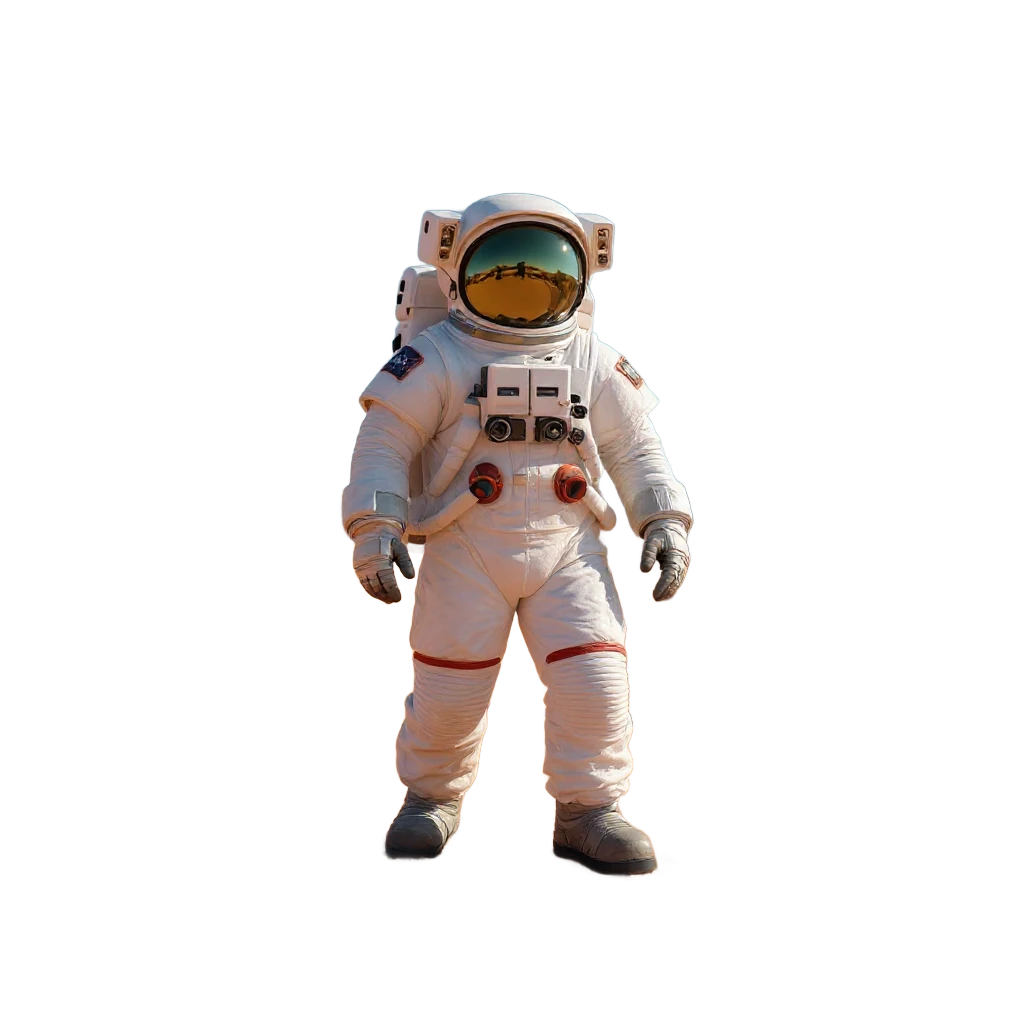
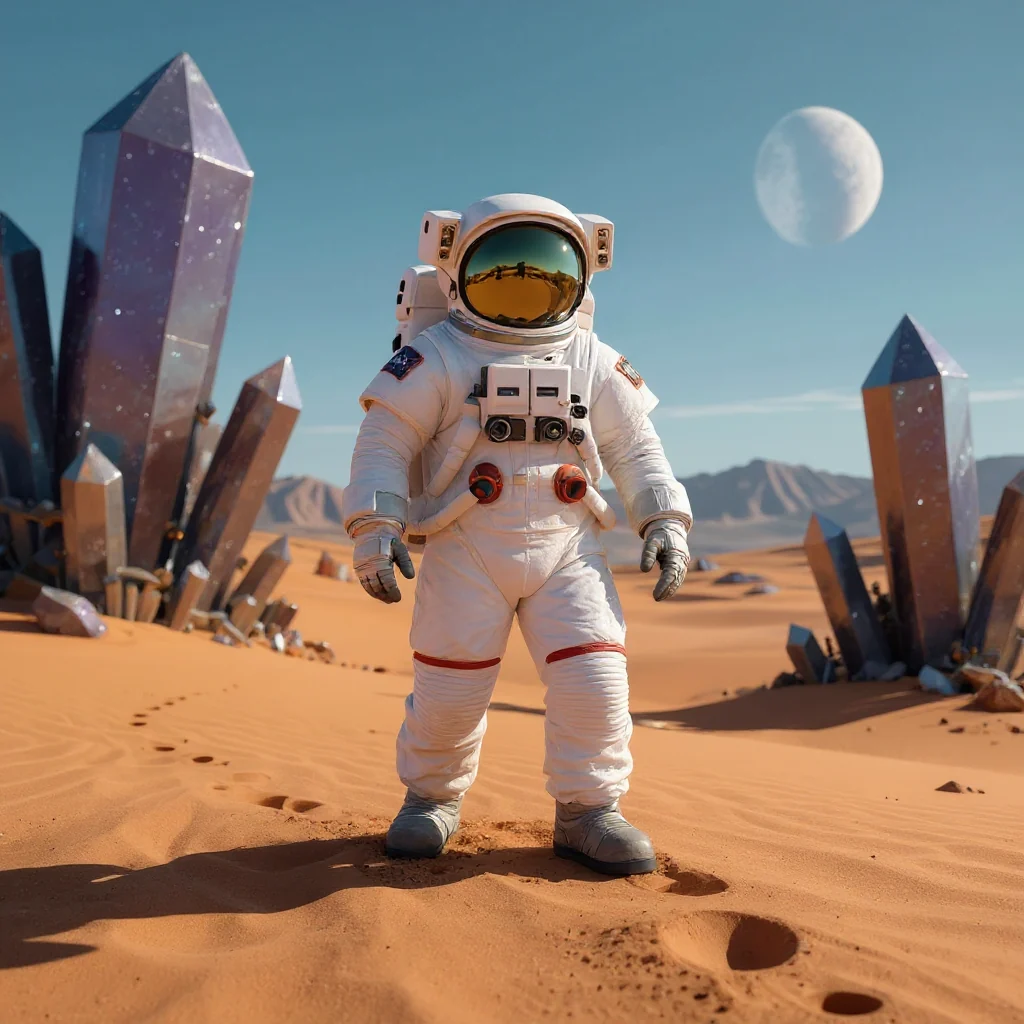
Separate the subject before generating a new version in another style.
Remove a background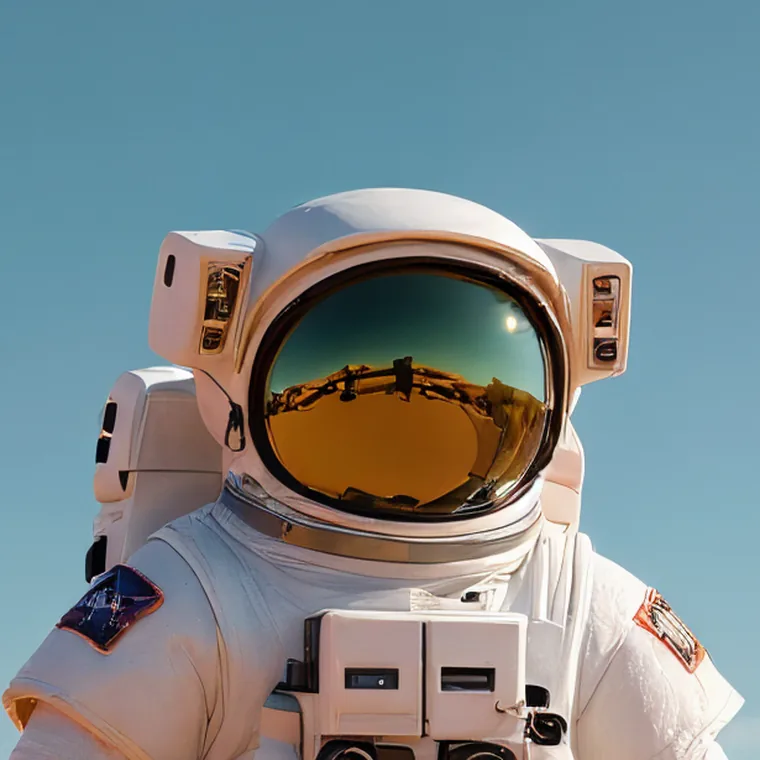
Increase the result's resolution afterwards if you need a larger image.
Upscale an image
Remove or replace an element before transforming the style of the whole photo.
Remove an objectChoose one of 11 presets or describe another style in Custom, then generate a new version as a PNG.
Change the style