Remove the background from an image
Lift the subject off its background and download it as a transparent PNG, on white or on a colour.
Remove a backgroundOnline image editing
Choose what you want to do and use the right tool: remove the background, improve quality, change the style, edit an object or turn an image into a 3D model. Editasteic uses AI in the tools where it helps simplify the process.
Removing the background, improving, editing objects or changing the style all work on the same canvas. You upload a photo, pick a tool and only adjust when needed; in several tools, AI makes the change with no manual controls.
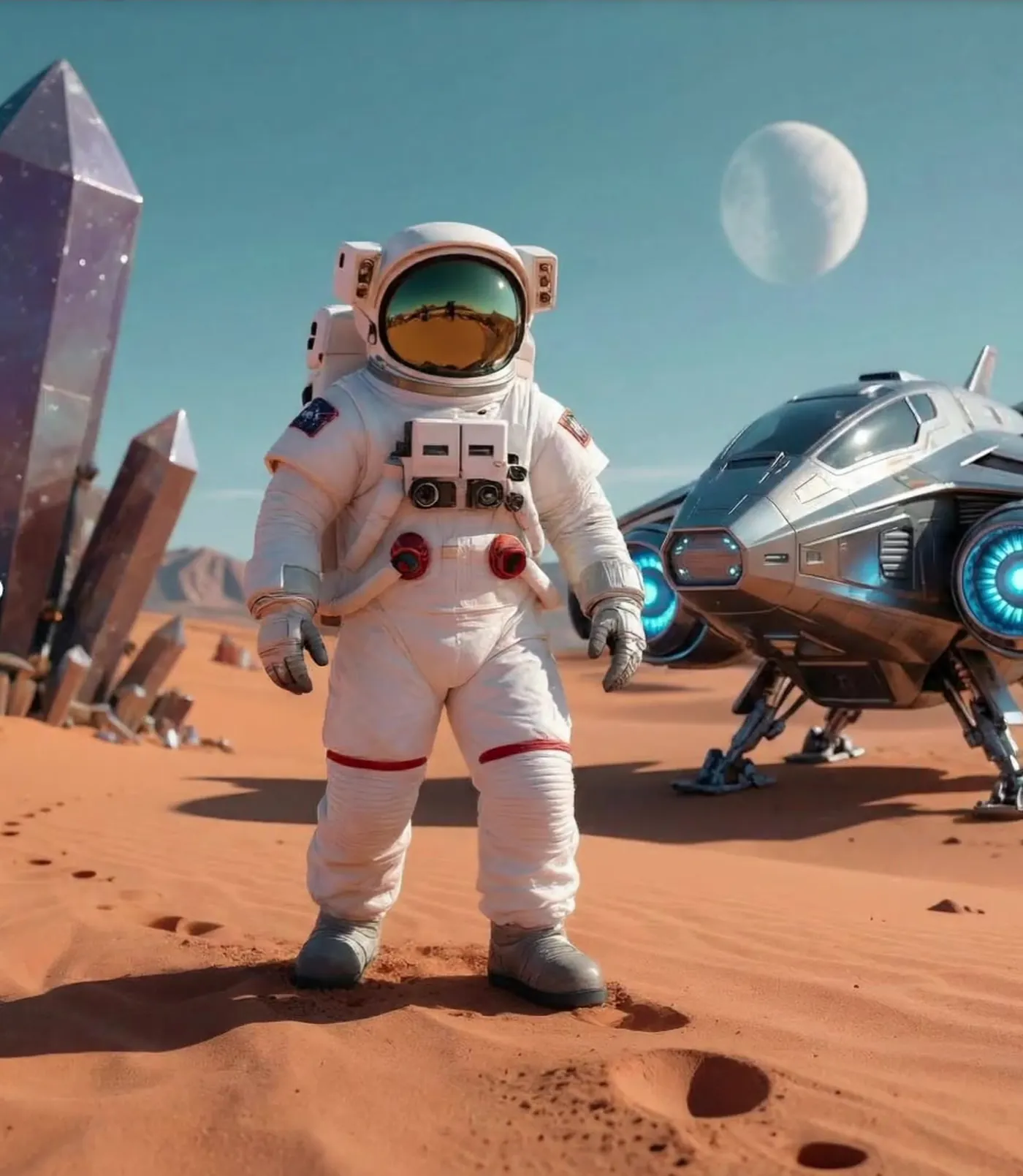
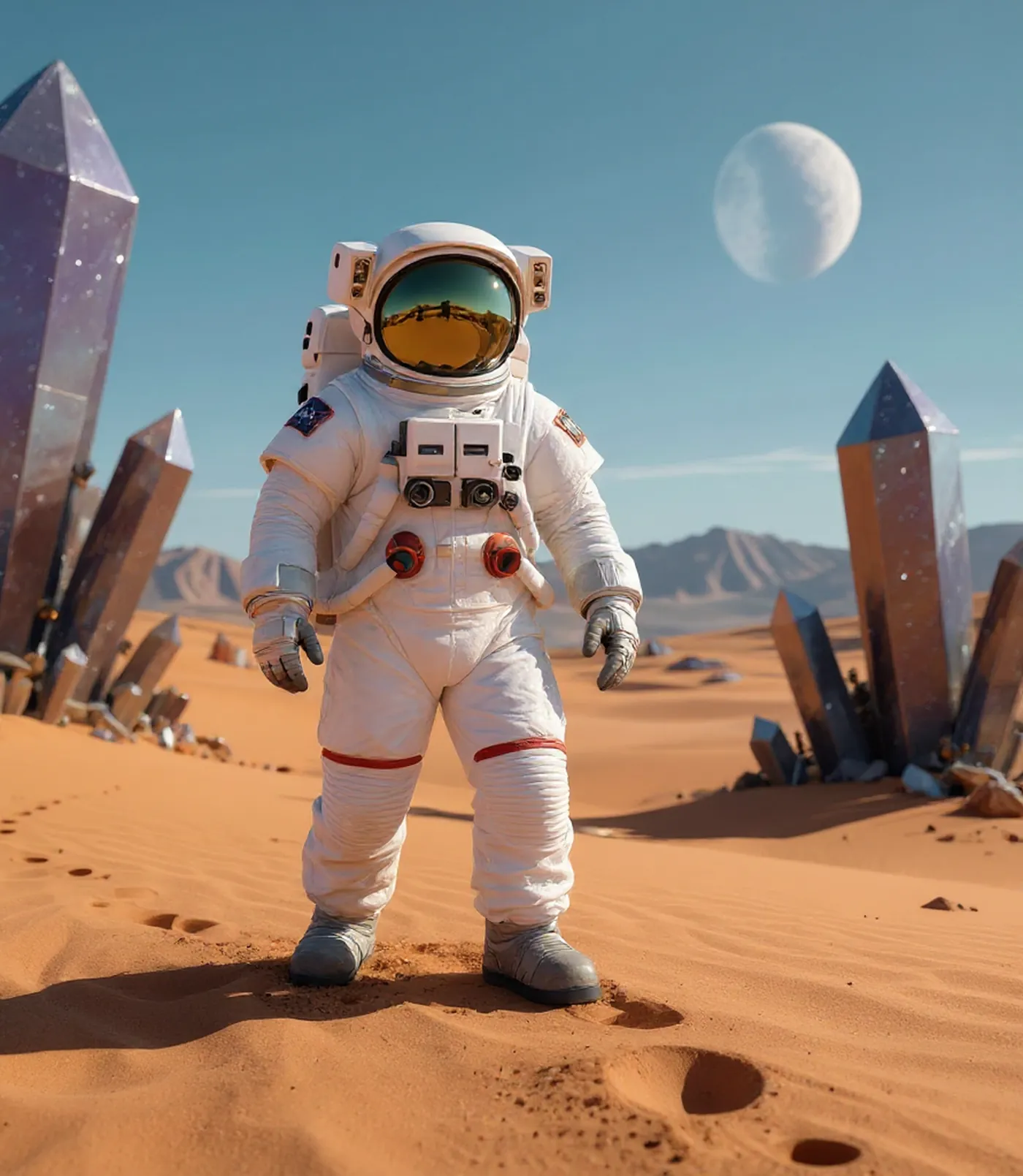
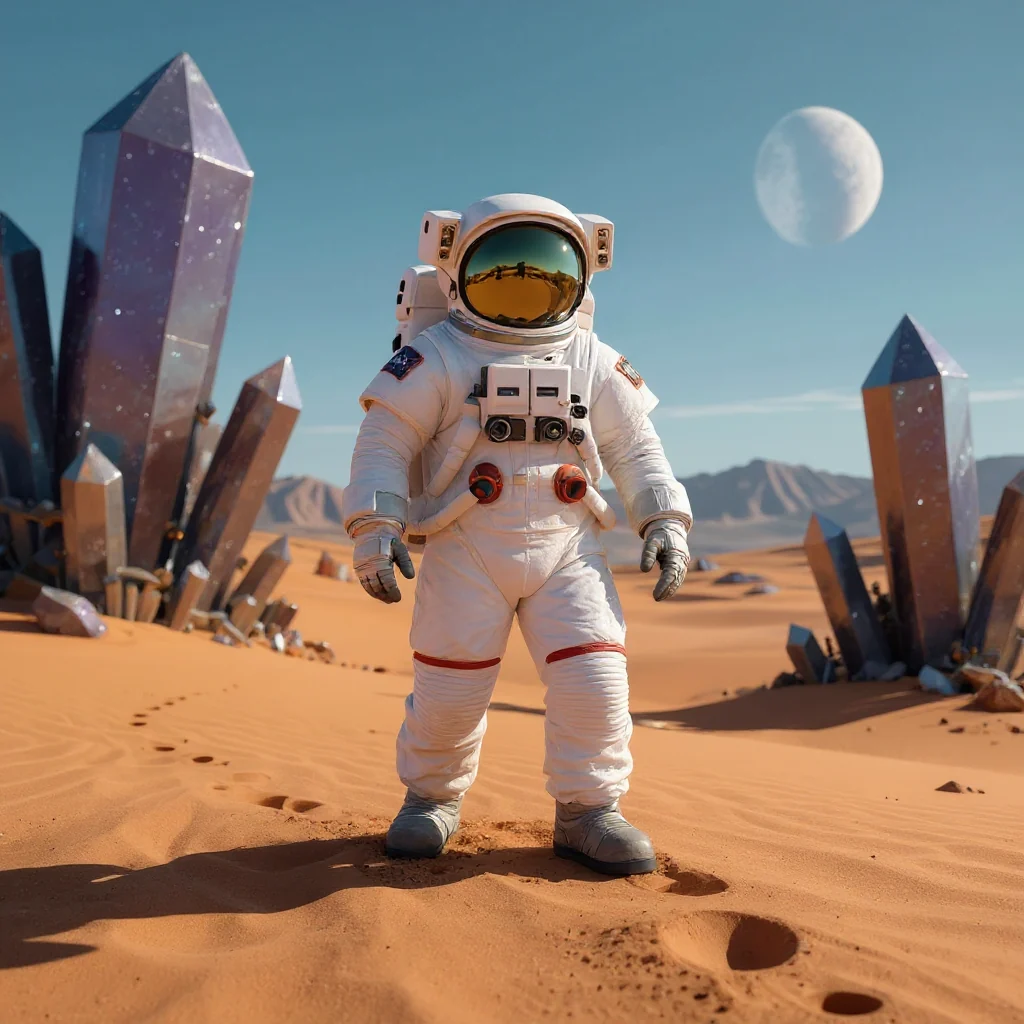
A real replacement: the crystals on the right were changed into a ship. The same tool can remove objects from a description or a manual mask.
Each tool has its own page with options and examples.
Lift the subject off its background and download it as a transparent PNG, on white or on a colour.
Remove a background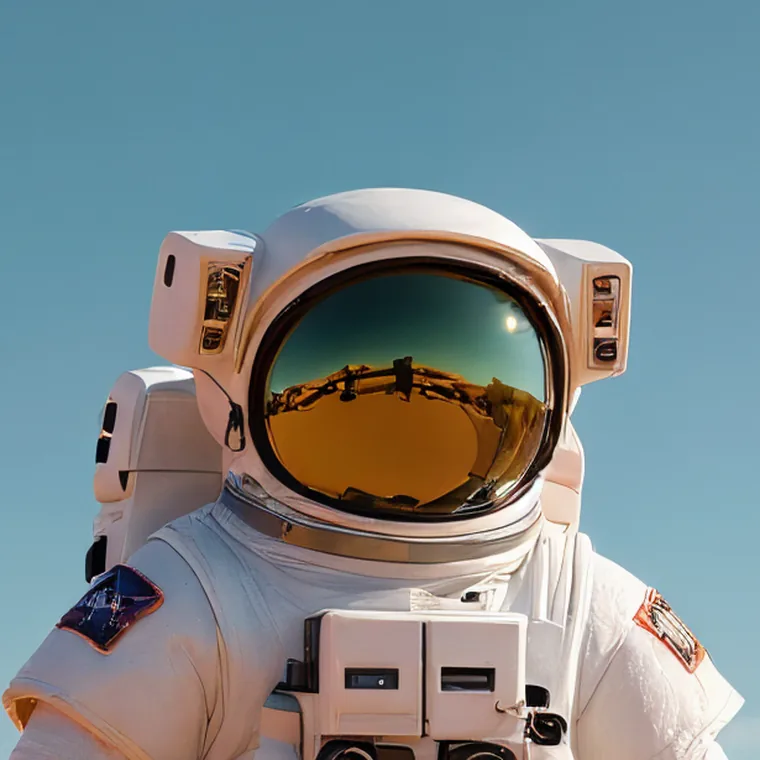
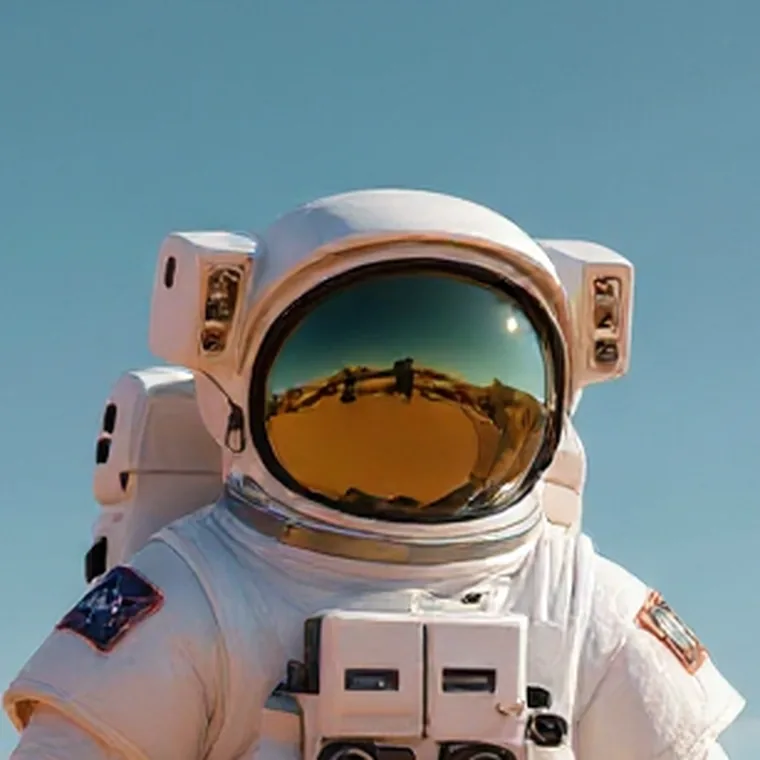
Increase the resolution of a small or pixelated image while its AI generates edges and texture.
Improve an image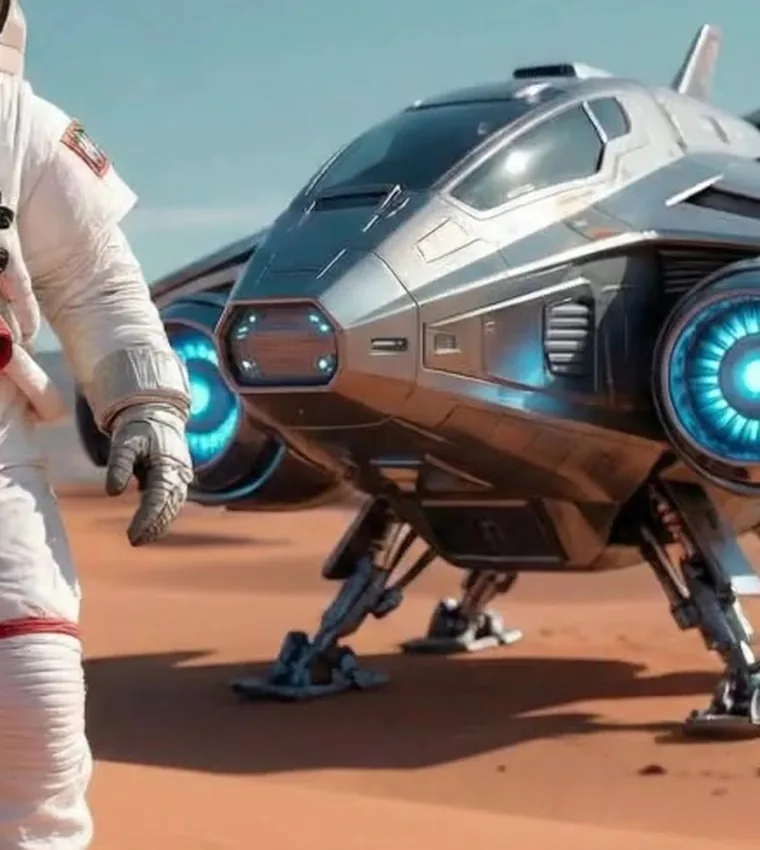
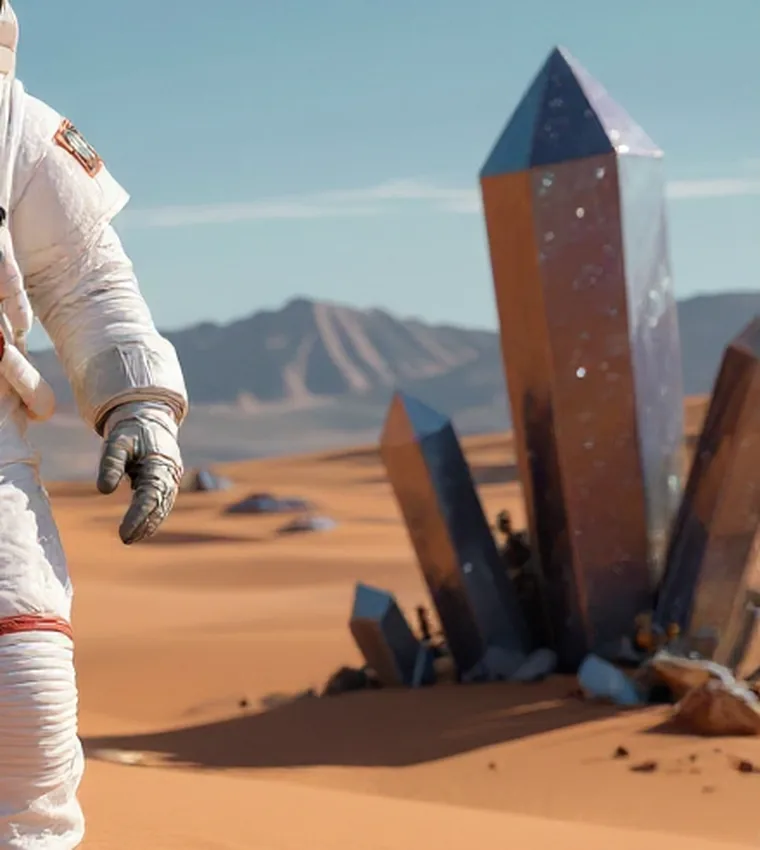
Remove an element with a description or mark an area manually. You can also replace, add, or modify objects.
Remove an object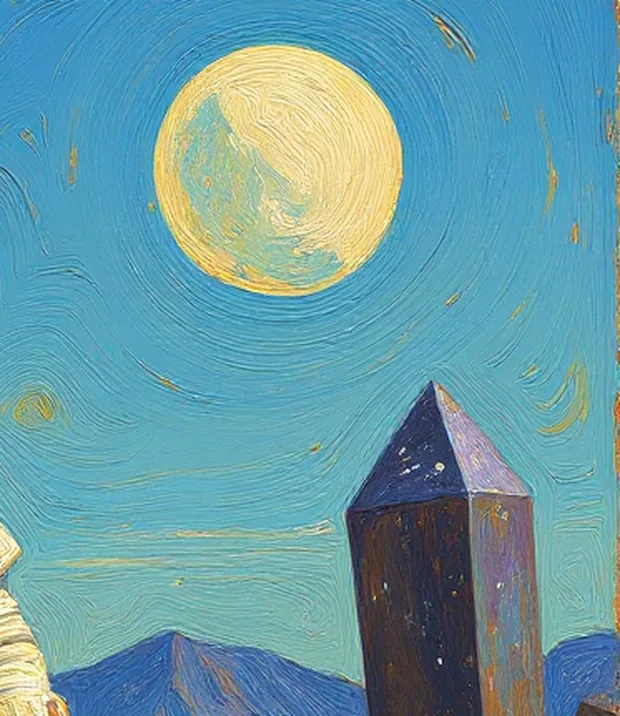
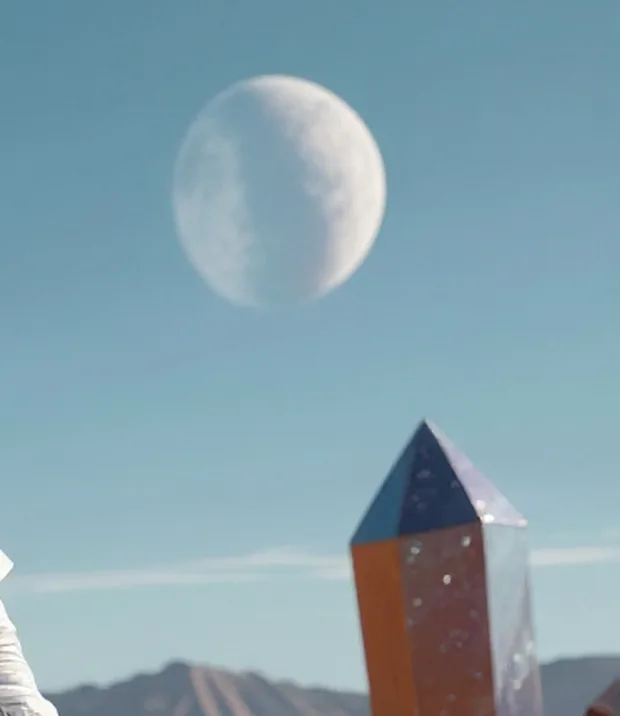
Generate another version of the image with a preset style, or describe your own look in Custom.
Change the style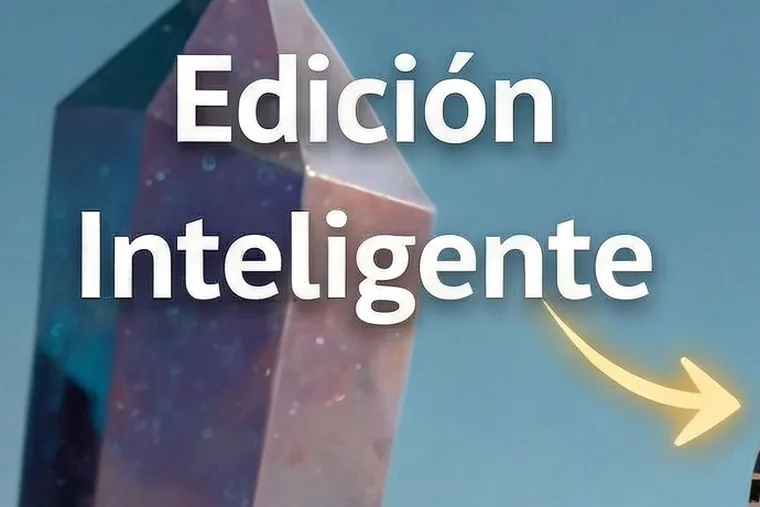
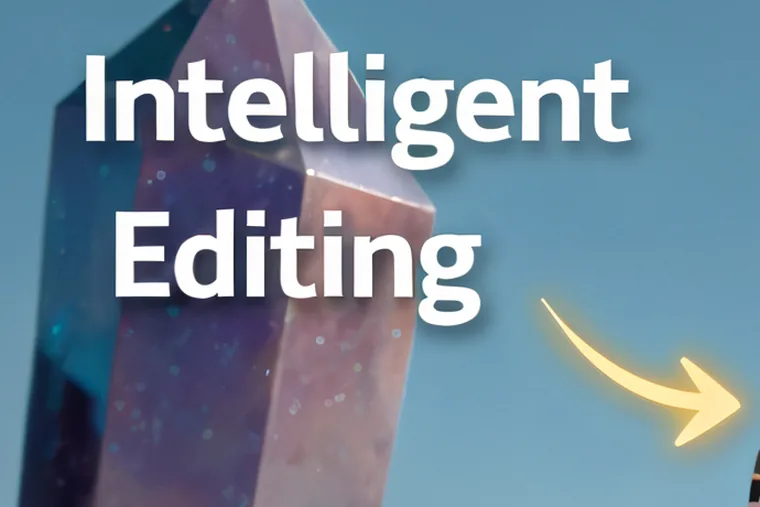
Generate a new image with the translated text integrated into it.
Translate an image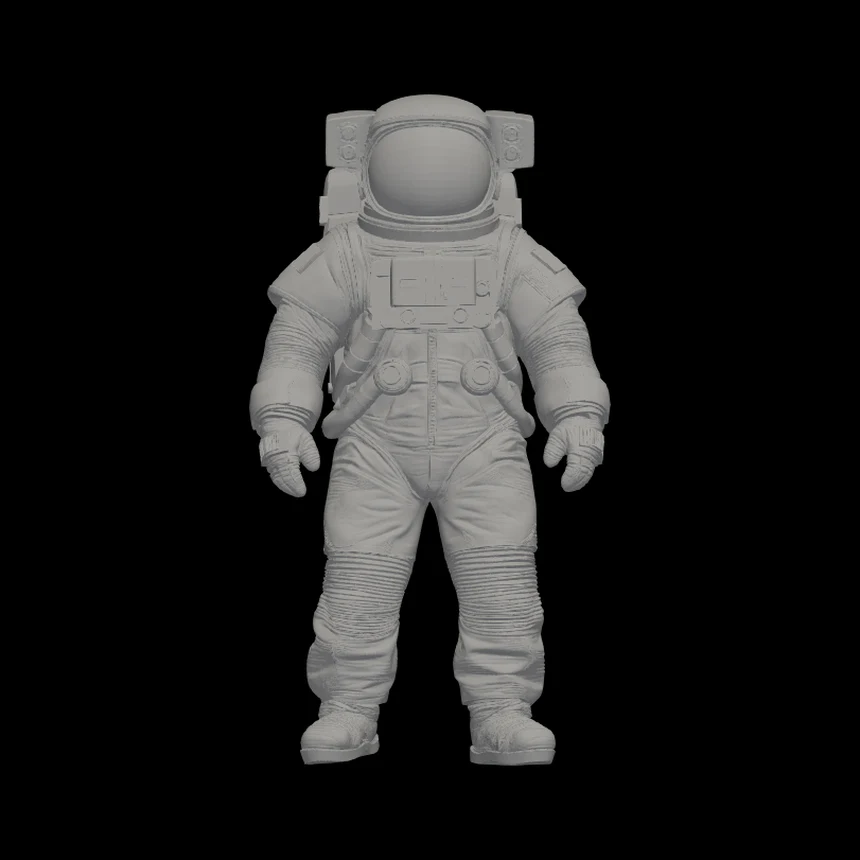
Generate a 3D mesh from an image, rotate it in the app, and download it as an untextured STL.
Create a 3D model
Take a generated 3D model into a print request that is logged for later review and a quote.
Request a 3D printThree real transformations made with Editasteic, one from each side of the product.
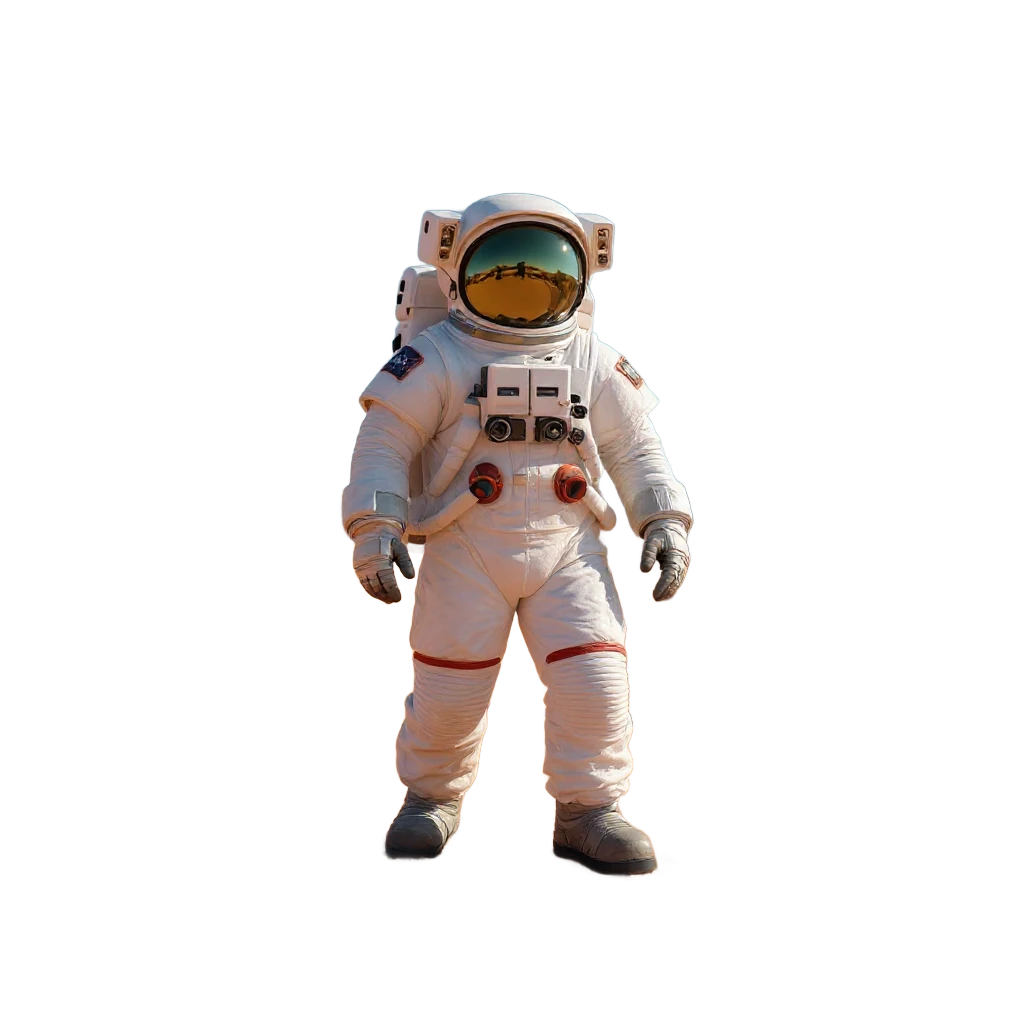
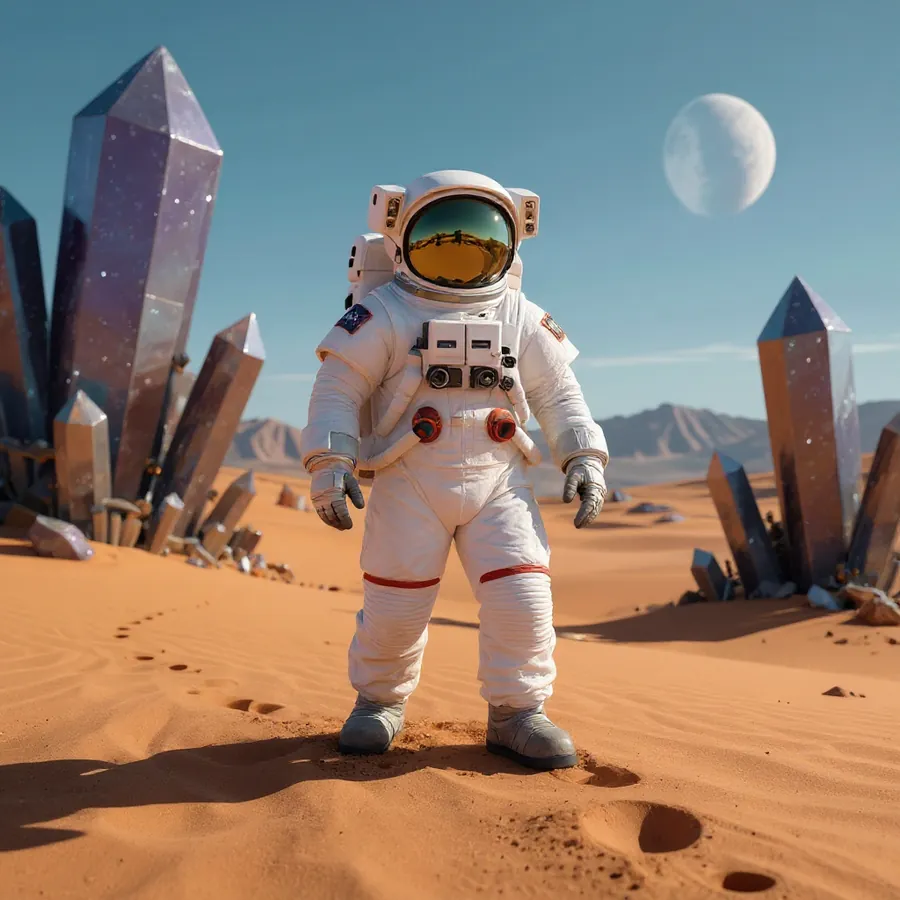
Background removal on a studio photo of an astronaut. The desert backdrop is gone and the subject is exported as a transparent PNG.
See the Background Remover
The checkerboard marks pixels that are genuinely transparent: a real PNG export, not a white fill.
The original photo is used as a reference to generate another version. Oil Painting has a verified full-image result; Comic Book Style is shown as a crop.
See Change the Style of a Photo
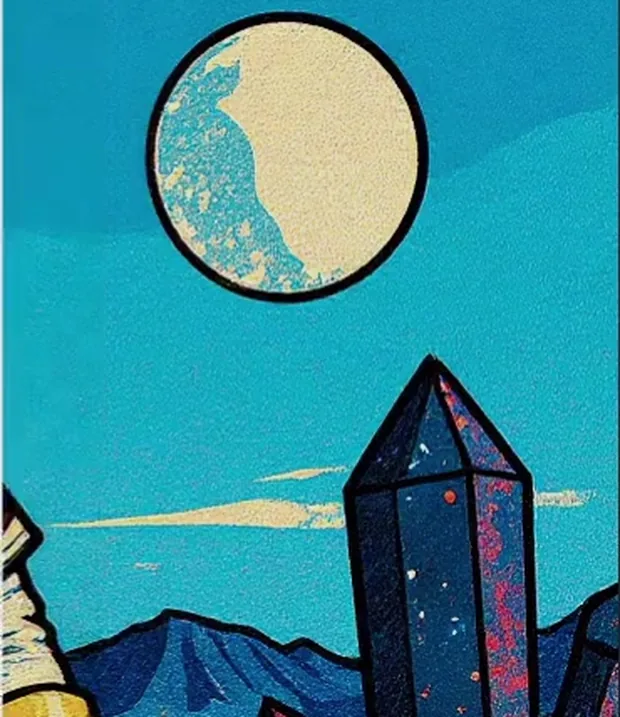
These are detail crops of one image, not three full results. Oil Painting also has a verified full-image result; Comic Book Style is available only as this crop.
One astronaut image, generated into one geometry-only STL mesh and rotated in the Editasteic viewer. It downloads as a plain grey model.
See Image to 3D Model
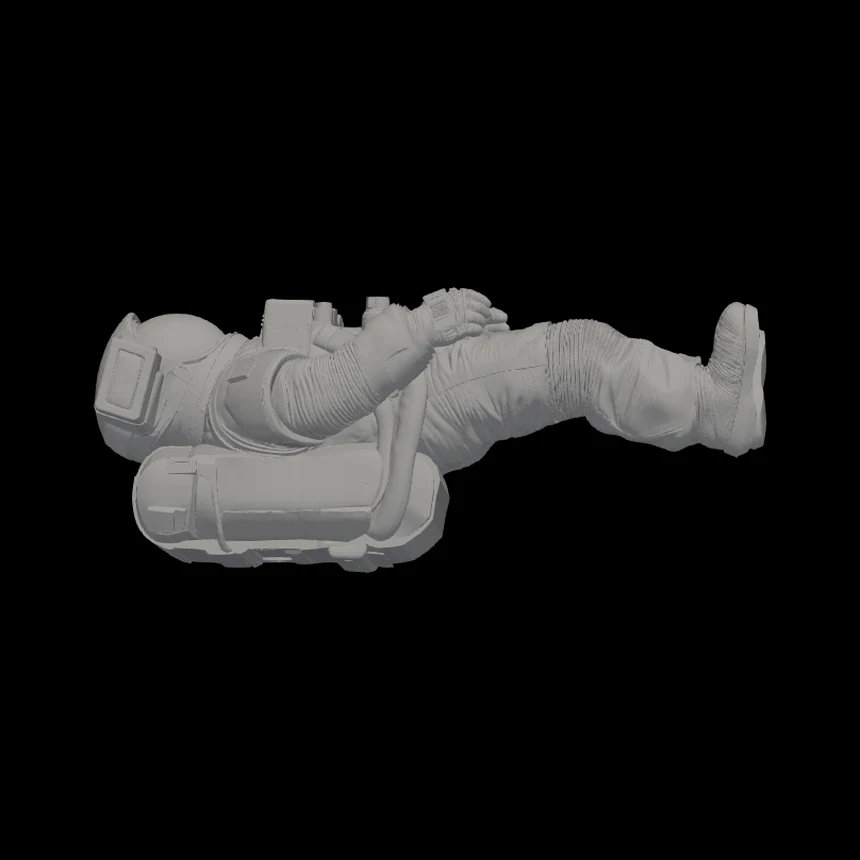
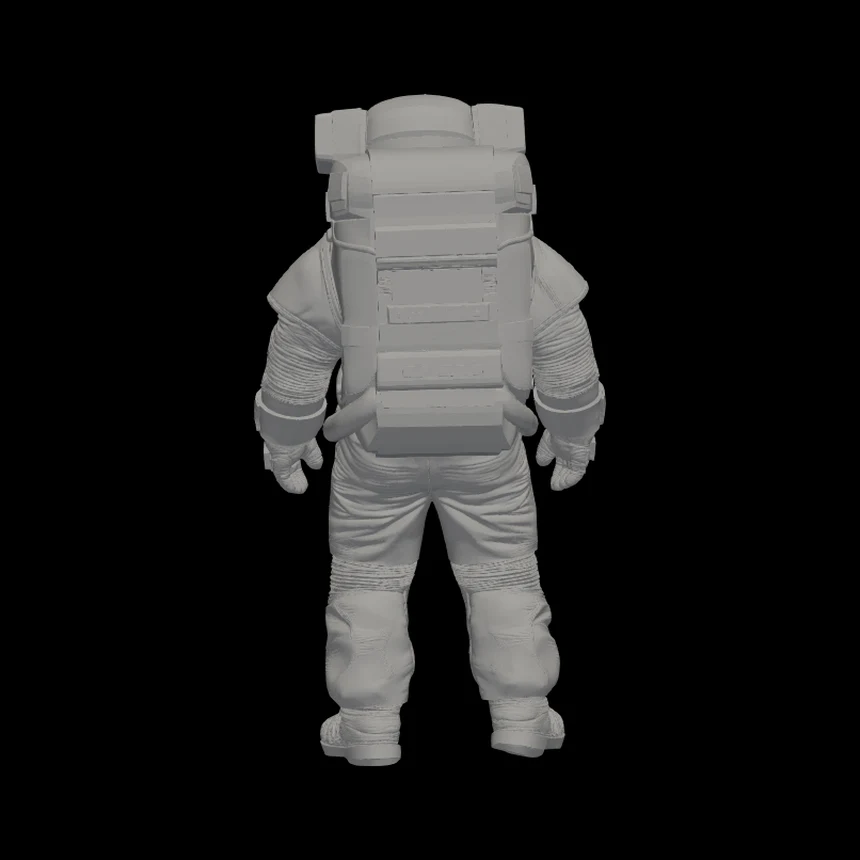
One generated STL, shown from three angles in the viewer. The same result, not three generations.
The examples page has more before and after results, style changes, and 3D meshes. See more examples
Editasteic generates a geometry-only 3D mesh from an image that you can rotate in the app and download as STL. Taking that model to a physical print is a separate, reviewed flow.
Editasteic generates the STL. Turning that model into a physical print is a separate request: it is logged with the model and your preferences for later review and a personalised quote. It is not automatic and a print is not guaranteed.
You generate the mesh from an image and download the geometry-only STL.
The request is logged with the model and your preferences for later review and a quote.
A new account includes 50 welcome credits, no card required. When you need more, you buy a one-time pack in euros. There is no subscription.
Free
50 credits
Included when you create your Editasteic account.
€3.99
350 credits
A one-time purchase that adds 350 credits to your account.
€7.99
750 credits
A one-time purchase that adds 750 credits to your account.
€14.99
1,600 credits
A one-time purchase that adds 1,600 credits to your account.
€29.99
3,500 credits
A one-time purchase that adds 3,500 credits to your account.
See every pack and the credit cost of each tool on the pricing page.
Start from a tool page or open the app and pick the change you want.
Sign in with Google and add one image. Common formats are accepted and converted when needed.
Direct tools run with defaults. Others ask for an area, an instruction, a style, a language or extra 3D views.
Confirm the credit cost and let Editasteic process the image.
Compare the result and download it. A 3D result opens in a rotatable preview and downloads as STL.
Product images · Content for social · Creative images · Visuals in another language · Larger, clearer images · A starting point for 3D
Clean cutouts and consistent framing for a shop or a marketplace.
Resize, change the style, and clean up images for feeds, thumbnails, and slides.
Reinterpret a photo in a different style, mood or finish.
Ship a sign, a label or a poster in another language without rebuilding it.
Rescue small downloads and old scans for screen and print.
Generate a 3D mesh from an image as a starting point for a creative project.
A web app with a set of image tools that share one account and one credit balance: remove the background, improve quality, edit objects, change the style, translate the text in an image, and generate a 3D model from an image.
Yes. You upload an image from the browser and pick the tool you need for that change: remove the background, enlarge, change the style, edit an element, translate the text or move to 3D. Each tool has its own page with details and examples.
No. Instead of a canvas with hundreds of controls, Editasteic organises editing into tools focused on one task. You choose what you want to do and the tool guides you; it only asks for input when the change needs it.
You can read the public pages without one. Uploading an image or running a credit-consuming operation requires signing in with Google.
Yes, within limits. When you create the account you get 50 credits and no card is needed to use them. Each operation deducts credits depending on the tool, so those 50 credits are enough to try several lightweight tools. When they run out, you can buy one-time packs; it is not an unlimited free service.
Each operation deducts the credit cost the app shows before you confirm. A new account starts with 50 welcome credits, and more can be bought as one-time packs. Jobs that fail for a reason attributable to the service are refunded.
Common web formats such as PNG, JPG and WebP, plus AVIF, HEIC, HEIF, BMP, TIFF, GIF and SVG. Formats the processing services do not accept directly are converted in the browser.
Yes. Image results download as standard image files. Image to 3D provides a rotatable preview and an STL download.
Open Editasteic, sign in, and run any tool on your own photo.
Start editing