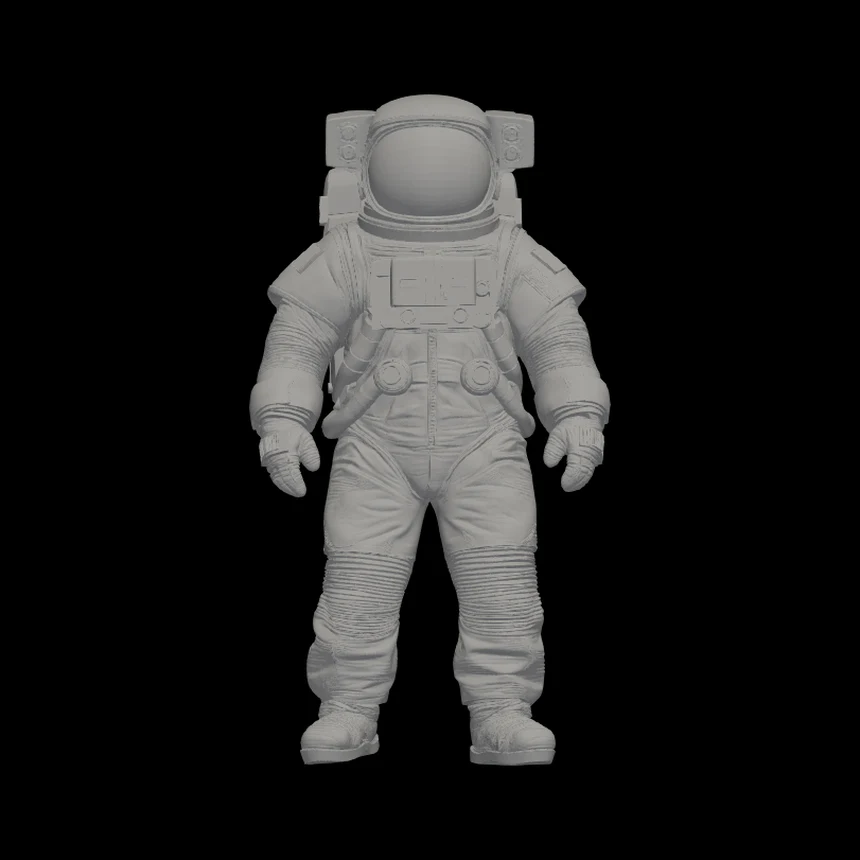
The generated mesh
The generated STL mesh, viewed from the front.
Image to 3D online
Upload an image and Editasteic uses AI to generate a 3D mesh from the visible view. Rotate it in the viewer and download it as an untextured STL.

Start with a photo or image and generate a new three-dimensional mesh to review in the viewer and download.
Because the tool starts from one view, it also generates geometry for areas and depth that the image does not show. This is an interpretation generated from the reference.
The result downloads as an STL geometry file. It does not include texture, materials, UVs, or colour.
Rotate, zoom, and pan around the mesh to look at the generated result from different angles before downloading the STL.
Rotate the result in the viewer to review the generated geometry. The front, tilted, and back views below show the same STL, not three separate generations.

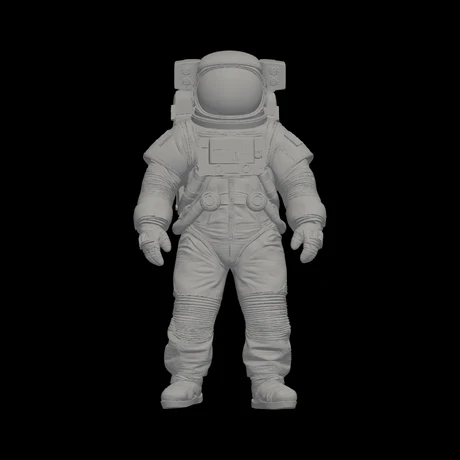
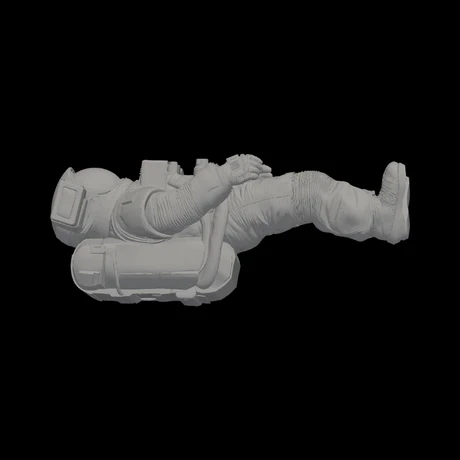
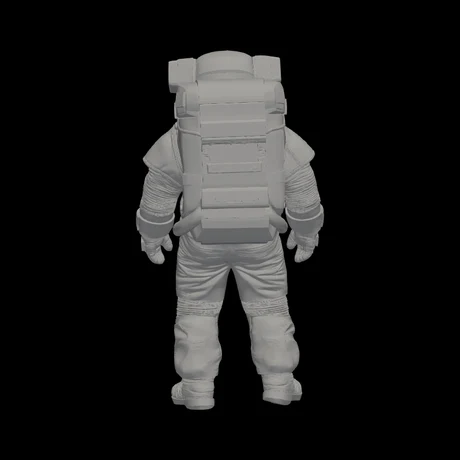
One generation, shown from different angles in the viewer. The back view is generated geometry from one image, not proof of what was actually behind the subject.
One real STL generated from one astronaut photo, shown from different angles in the viewer.
The generated STL mesh, viewed from the front.
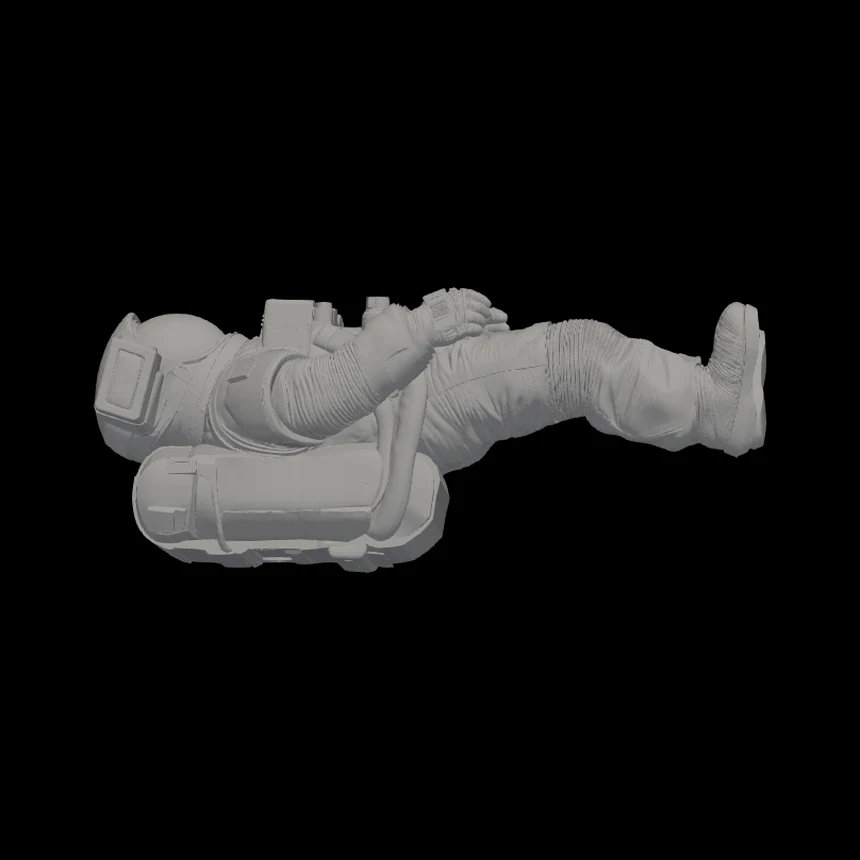
That same generated STL mesh, tilted onto its side.
A real Editasteic capture: from the reference image to the mesh shown in the 3D viewer.
Sign in and add an image from your device. It is used as the front reference for the generation.
Open the 3D model tool and start the process. AI interprets the visible view and generates three-dimensional geometry, including areas that are not visible in the image.
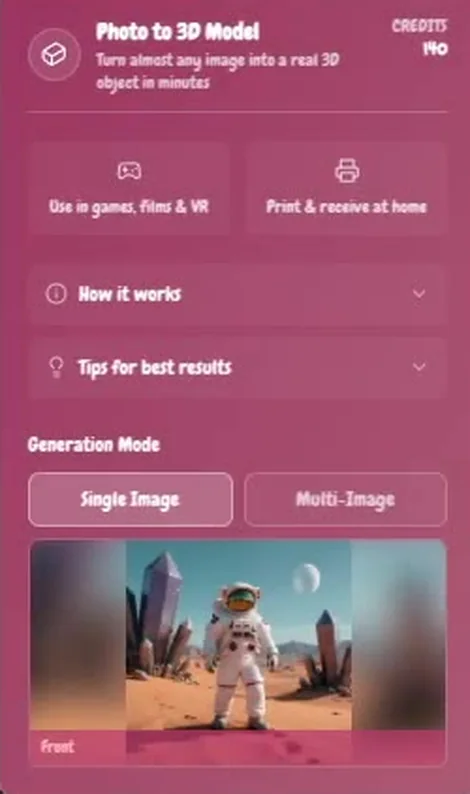
When it is ready, rotate the result in the viewer and download the untextured STL mesh.
Characters and illustrations · Objects and visual concepts · References for 3D projects
Use a character or illustration as the visual starting point for a generated 3D mesh.
Turn an object or visual idea into a three-dimensional interpretation to explore from different angles.
Create a generated mesh from an image when a three-dimensional visual reference helps a creative project.
Sign in, upload an image, and open the 3D model tool. Editasteic generates a mesh from the visible view; you can then review it in the viewer and download it as an untextured STL.
It generates a 3D mesh that downloads as STL. It is geometry only, with no texture, materials, UVs, rigging, or animation.
Yes. You can use a photo as the reference image for a 3D model. The result is a generated interpretation, not a scan or a dimensionally accurate copy of the object.
Yes. Upload a JPG or PNG and download the result as STL. This is not a simple file conversion: Editasteic generates new 3D geometry by interpreting the image you upload.
No. The image is a reference for a generated three-dimensional interpretation. Shape, detail, and areas that are not visible can differ from the original object.
The tool generates new geometry for areas and depth that are not visible. Because it starts from one view, those parts are inferred during generation.
No. The current download is an STL containing geometry without texture, colour, UVs, or materials.
It is not guaranteed to be ready to manufacture as-is. If you want to consider a print, you can request a review and quote through the 3D printing service.
The app currently shows 140 credits per generation before you confirm. New accounts receive 50 credits, so additional credits are needed to complete one generation.
Yes. Sign in to generate the model, check your credit balance, and download the result.
Log a print request for the generated model, for later review and a quote.
Request a 3D print

Isolate the subject in an image before using it as a 3D reference.
Remove a background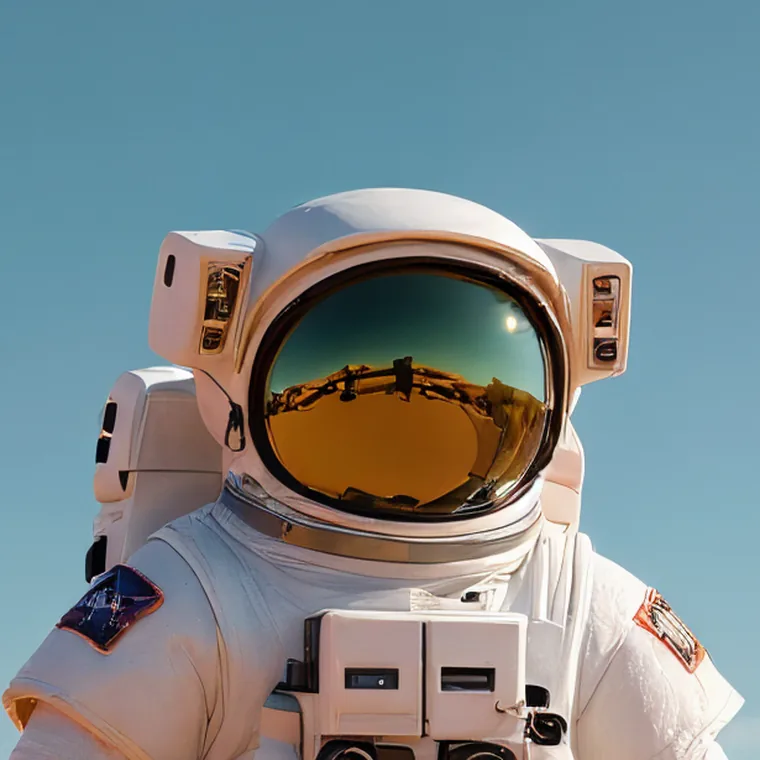

Upload an image, generate a 3D mesh from it, and download it as an untextured STL.
Create a 3D model